

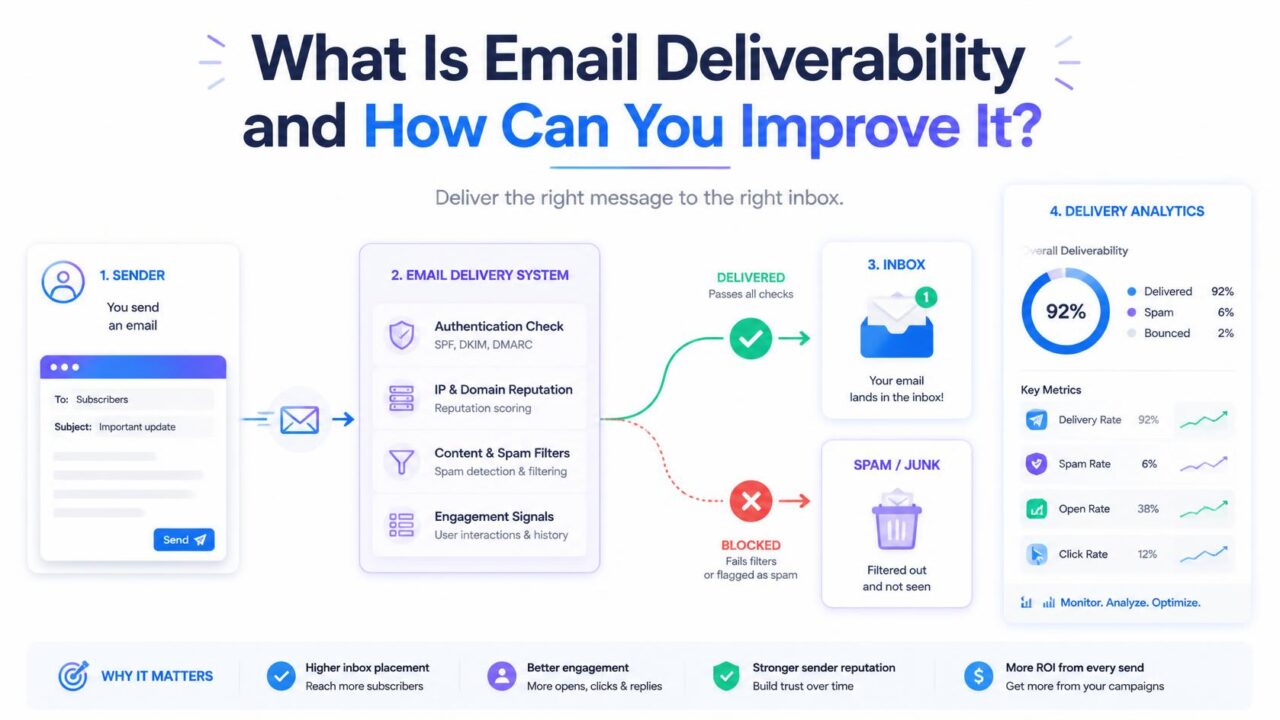
Your email platform says the campaign was delivered. Your open rate says otherwise. Nothing bounced, no error appeared, and yet a large share of the people you wrote to never saw the message.
That gap is what email deliverability describes, and it is the part of email marketing that most reporting quietly hides. This guide explains what deliverability actually is, what decides it, how to measure yours, and the changes that improve it.
What is email deliverability?
Email deliverability is whether your messages reach the inbox rather than the spam folder or a filtered tab.
It is a measure of placement, not transmission. The message left your sender, the receiving server accepted it, and nothing bounced. Deliverability asks what happened after that: which folder did it land in, and did the recipient have any realistic chance of seeing it?
Deliverability is not the same as delivery rate
This is the single most common confusion in the subject, and platform dashboards do nothing to help.
| Delivery rate | Deliverability | |
| Question | Was the message accepted by the receiving server? | Did it reach the inbox? |
| Reported by | Your email platform, as a headline number | Nobody, by default |
| Counts spam folder as success? | Yes | No |
| Typical figure | High, because it only excludes bounces | Lower, sometimes much lower |
A message routed to spam counts as delivered. That is why a dashboard can show a near-perfect delivery rate while engagement quietly collapses, and why “delivered” is the wrong number to reassure yourself with.
What decides where your email lands
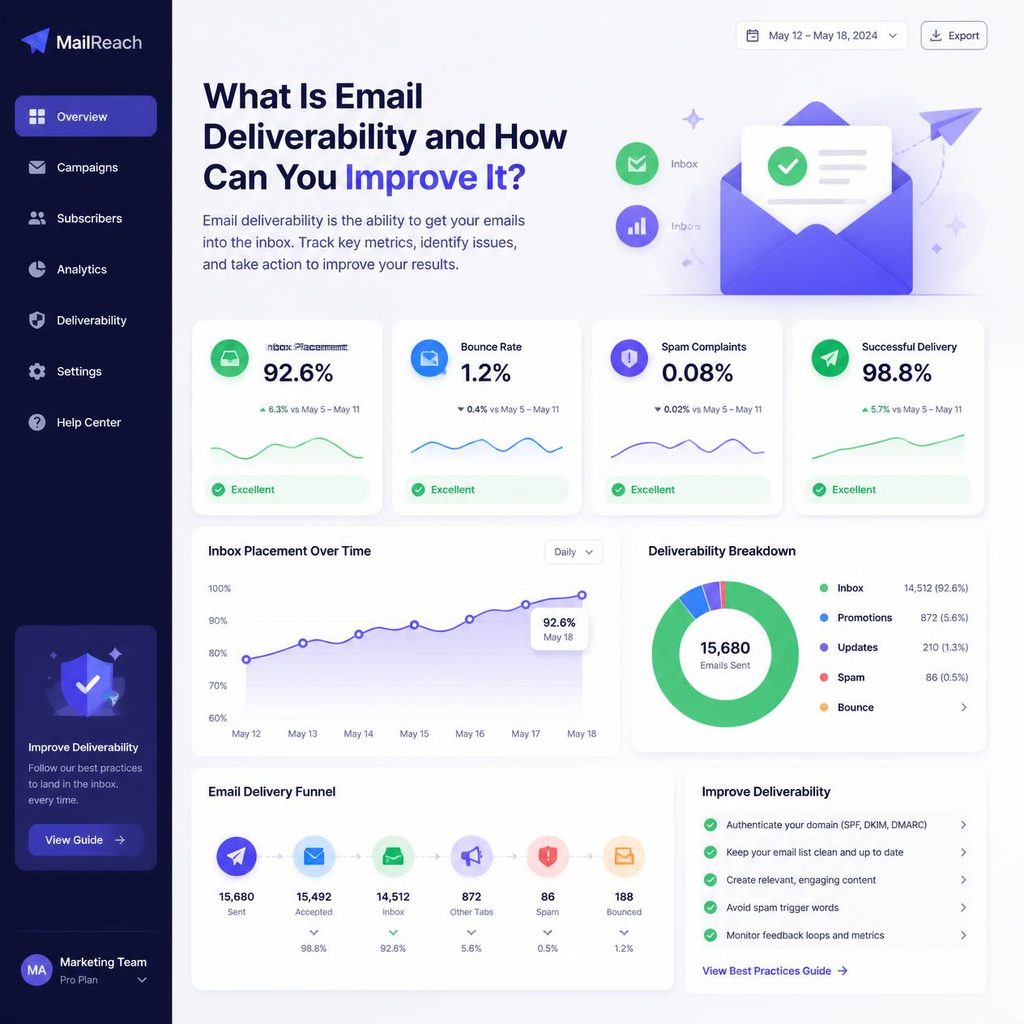
Mailbox providers such as Gmail, Outlook and Yahoo decide placement per message, weighing several signals at once. No single factor controls the outcome, but these are the ones that carry weight.
Authentication
SPF, DKIM and DMARC are DNS records that let a receiving server confirm the message genuinely came from your domain and was not altered in transit. Missing or misconfigured records are treated as a warning sign, and major providers have steadily tightened their requirements for bulk senders.
Sender reputation
Every sending domain and IP carries a reputation built from history: how often recipients engage, how often they complain, how often mail is sent to addresses that do not exist, and how consistent the sending pattern is. Reputation is slow to build and quick to damage.
List quality
Sending to invalid addresses signals a poorly maintained list, and providers read that as a strong indicator of unsolicited mail. Spam traps make this worse: addresses that exist only to identify senders who mail without permission or without cleaning their data.
Engagement
Opens, replies, moves out of spam and deletions without reading all feed back into placement decisions. Mail that people consistently ignore gradually stops reaching the inbox, even when everything technical is correct.
Complaints
Marking a message as spam is the strongest negative signal available to a recipient, and it counts for far more than a single ignored email.
Content and structure
Content matters less than it once did, but it still matters. Shortened or mismatched links, image-only messages with almost no text, a missing plain-text version and a missing unsubscribe link all contribute.
How to measure your current deliverability
Since your platform will not show inbox placement directly, you have to look at it from several angles.
- Seed testing. Send a campaign to a set of addresses you control across the major providers, then check which folder each one landed in. Simple, and the closest thing to a direct reading.
- Google Postmaster Tools. Free, and the most direct view of how Gmail sees your domain: reputation, spam rate, authentication results.
- Your bounce and complaint rates. Both are reported by your platform, and both are leading indicators.
- Engagement by provider. Segment opens by domain. If Gmail engagement falls while Outlook holds steady, the problem is provider-specific rather than a content issue.
- Blacklist checks. Look up your sending domain and IP on the major public blocklists.
Run these before making changes. Without a baseline you cannot tell whether anything you do afterwards worked.
How to improve email deliverability
These are ordered roughly by effort against effect. The first three are where most of the improvement is.
1. Set up SPF, DKIM and DMARC
This is a one-off DNS task and the highest-value thing on the list. Your email platform documents the exact records to add. Add all three, then confirm they pass by checking the headers of a message you send to yourself.
2. Verify and clean your list
Removing invalid addresses cuts your hard bounce rate directly, which is one of the clearest quality signals providers watch. It also reduces the chance of hitting a spam trap.
Clean the list you hold now, then verify new addresses as they arrive so the problem does not rebuild. PureListVerifier handles both, in bulk and through an API at the point of signup.
3. Collect addresses with permission
Never buy or scrape lists. Purchased contacts did not ask to hear from you, so they complain at high rates and often contain traps. Double opt-in, where the subscriber confirms by clicking a link, produces a smaller list that performs considerably better.
4. Warm up new domains and IPs
A brand-new sending domain has no reputation, and a sudden large volume from an unknown sender is exactly what a spam operation looks like. Start with your most engaged contacts, in small volumes, and increase gradually over several weeks.
5. Send on a consistent schedule
Predictable volume is easier for providers to trust than long silences broken by sudden bulk sends. Weekly and modest beats quarterly and enormous.
6. Segment by engagement and sunset the inactive
Send most often to people who open, less often to people who rarely do, and set a point at which a contact who has not engaged for a long period stops receiving campaigns entirely. Removing contacts feels wrong, but a smaller engaged list reaches the inbox more reliably than a large indifferent one.
7. Make unsubscribing easy
A visible one-click unsubscribe link, plus list-unsubscribe headers, is not a loss. Every person who leaves quietly is a person who did not report you as spam, and complaints cost far more than the subscriber did.
8. Watch content and links
Include a plain-text version alongside the HTML. Keep a reasonable balance of text to images. Link to your own domain rather than through URL shorteners, and make sure the visible link text matches the destination.
Metrics worth monitoring
| Metric | What it tells you | What to do when it moves |
| Hard bounce rate | How many addresses do not exist | Rising means the list needs verifying |
| Soft bounce rate | Temporary failures such as full mailboxes | Persistent soft bounces should eventually be removed |
| Complaint rate | How many recipients marked you as spam | Any increase is urgent. Review targeting and frequency. |
| Open rate by provider | Whether placement problems are provider-specific | A drop at one provider points at reputation there |
| Unsubscribe rate | Whether content matches expectations | A rise usually means frequency or relevance |
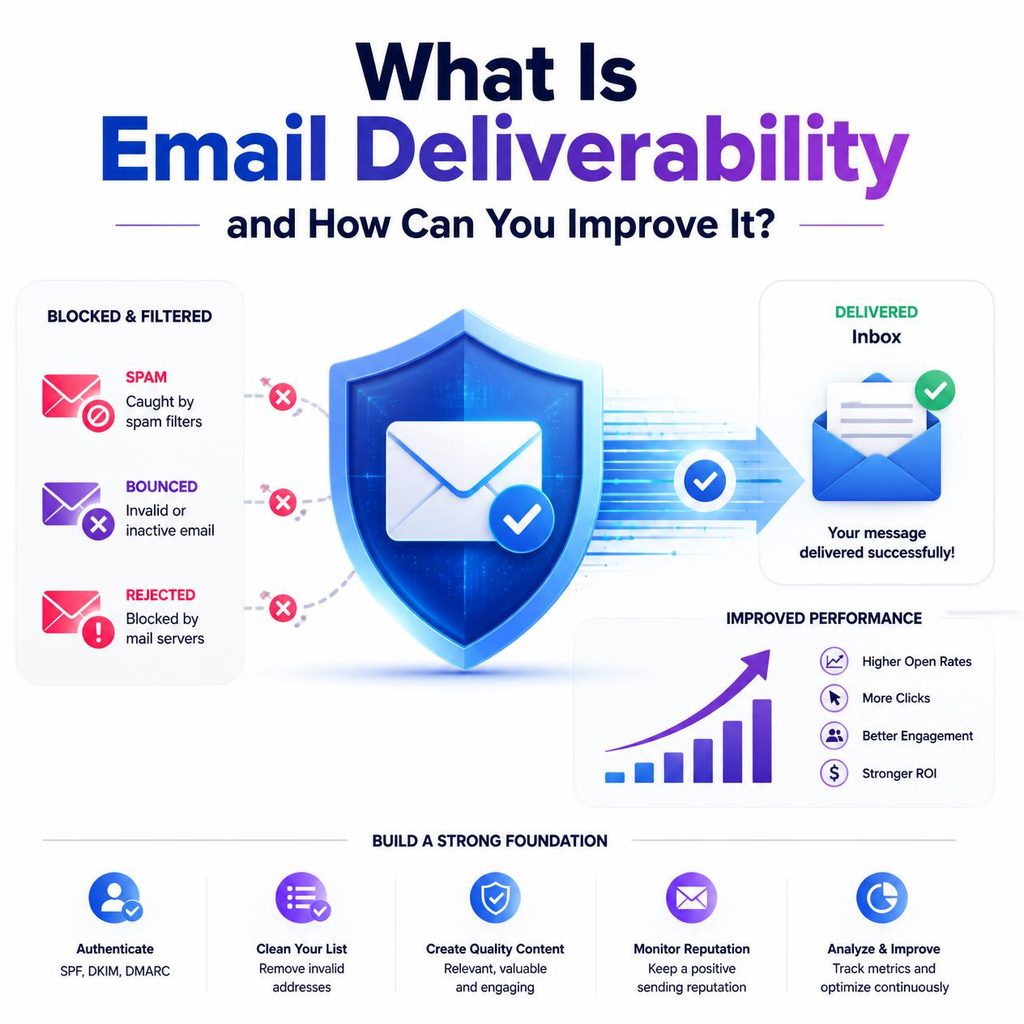
Track these per campaign and watch the direction rather than any single figure. A trend tells you far more than one result.
Diagnosing a sudden drop
Gradual decline and sudden collapse have different causes, and treating one like the other wastes weeks. If your numbers fell off sharply, work through this before changing anything else.
| What changed | Likely cause | First move |
| Bounces jumped on one campaign | A newly imported or long-dormant list | Verify that segment before sending to it again |
| One provider dropped, others fine | Reputation problem specific to that provider | Check Google Postmaster Tools if it is Gmail |
| Everything dropped at once | Authentication broke, often during a DNS change | Re-check SPF, DKIM and DMARC pass on a test send |
| Complaints rose sharply | Frequency, targeting, or a segment that did not opt in | Pause that segment and review how it was collected |
| Decline began after a platform move | New infrastructure with no reputation | Warm up gradually with engaged contacts |
The most common single cause is the second row of that table combined with the first: an old list imported without checking, producing a burst of hard bounces that damages reputation in a single send. Verifying before the first campaign to any list you have not mailed recently prevents most of it. If a drop has already happened, cleaning the list stops it getting worse, and consistent sending afterwards does the repairing.
How long does improvement take?
Being honest about this saves a lot of frustration.
Authentication is immediate: add the records and they take effect as soon as DNS propagates. Cleaning your list shows up in bounce rates on the very next campaign.
Reputation is different. It is built from sending history, so it recovers only through a sustained pattern of sending to people who want your mail. Expect weeks rather than days, and a longer stretch if the damage was severe. There is no shortcut, and any service promising an instant reputation fix is selling something that does not exist.
Frequently asked questions
What is a good email deliverability rate?
Sensible senders aim for the large majority of mail reaching the inbox, but the honest answer is that it varies by industry, list source and provider mix. Compare your own numbers over time instead of chasing a benchmark, because your trend is the useful signal.
Why are my emails going to spam all of a sudden?
Check the recent changes first: a new sending domain or platform, a much larger send than usual, a newly imported list, or an authentication record that broke during a DNS change. Sudden shifts usually have a specific cause rather than a gradual one.
Does list cleaning improve deliverability on its own?
It removes one of the strongest negative signals, so it helps materially. It will not fix missing authentication or a history of complaints, which is why it works best alongside the other steps.
Should I use a dedicated IP?
Only at consistent high volume. A dedicated IP means your reputation is entirely your own, which cuts both ways. At lower volumes a shared IP with a reputable provider is usually the safer choice, because there is not enough traffic to establish a reputation of your own.
Do spam-check words still matter?
Far less than the internet suggests. Modern filtering weighs sender reputation and recipient behaviour much more heavily than individual words. Writing naturally and avoiding manipulative subject lines matters more than avoiding any particular term.
Can changing email platforms fix deliverability?
Rarely, and it can make things worse. Domain reputation follows you, and a new platform means new infrastructure to warm up. Fix the underlying causes before assuming the platform is at fault.
Where to start
Do these three things, in order, before anything else:
- Check your authentication. Confirm SPF, DKIM and DMARC exist and pass.
- Verify your list. Remove the addresses that do not exist, so your bounce rate reflects reality.
- Establish a baseline. Set up Google Postmaster Tools and run a seed test, so you can tell whether the next change helped.
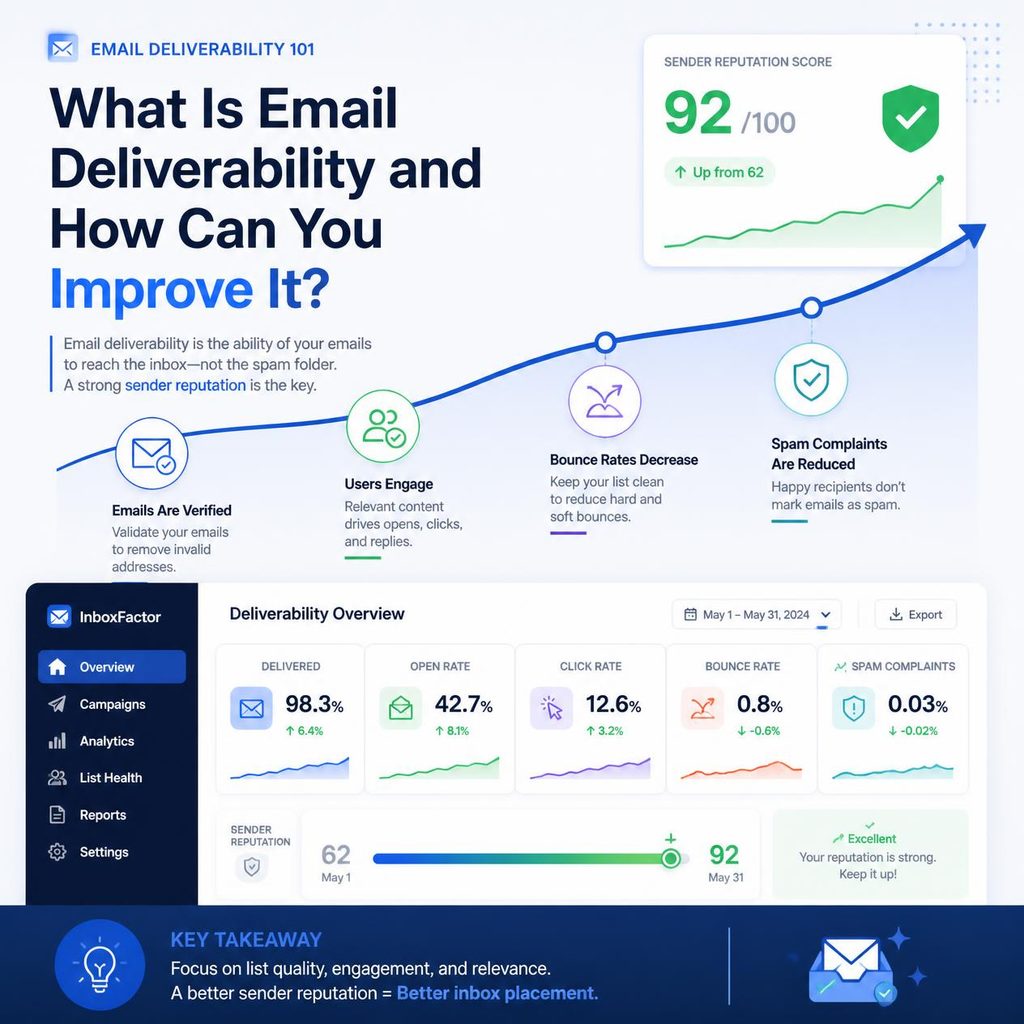
Deliverability is not a setting to switch on. It is the accumulated result of who you send to, how often, and whether they wanted it. The technical steps clear the obstacles, and consistent sending to people who actually want your email is what keeps you in the inbox.

1 comment