

Quick answer
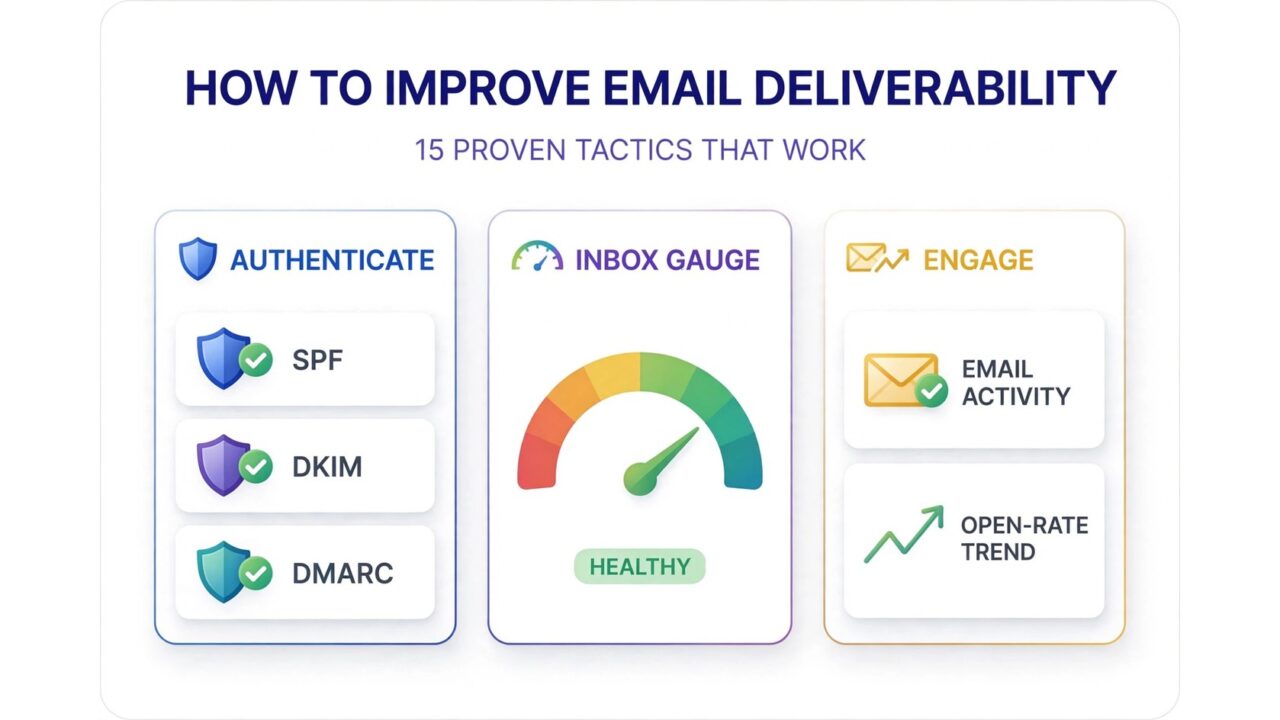
If you want to know how to improve email deliverability, start with three foundations: authenticate your domain with SPF, DKIM, and DMARC, send only to verified and engaged subscribers, and protect your sender reputation by keeping bounces and complaints low. These three areas decide whether mailbox providers place your emails in the inbox or the spam folder.
This guide walks through 15 proven tactics that work in 2026, from technical authentication setup to list hygiene habits and engagement strategies. Each tactic is practical and low cost to implement, and the effects compound: small consistent improvements across all three areas add up to dramatically better inbox placement over time.
Authenticate your domain properly
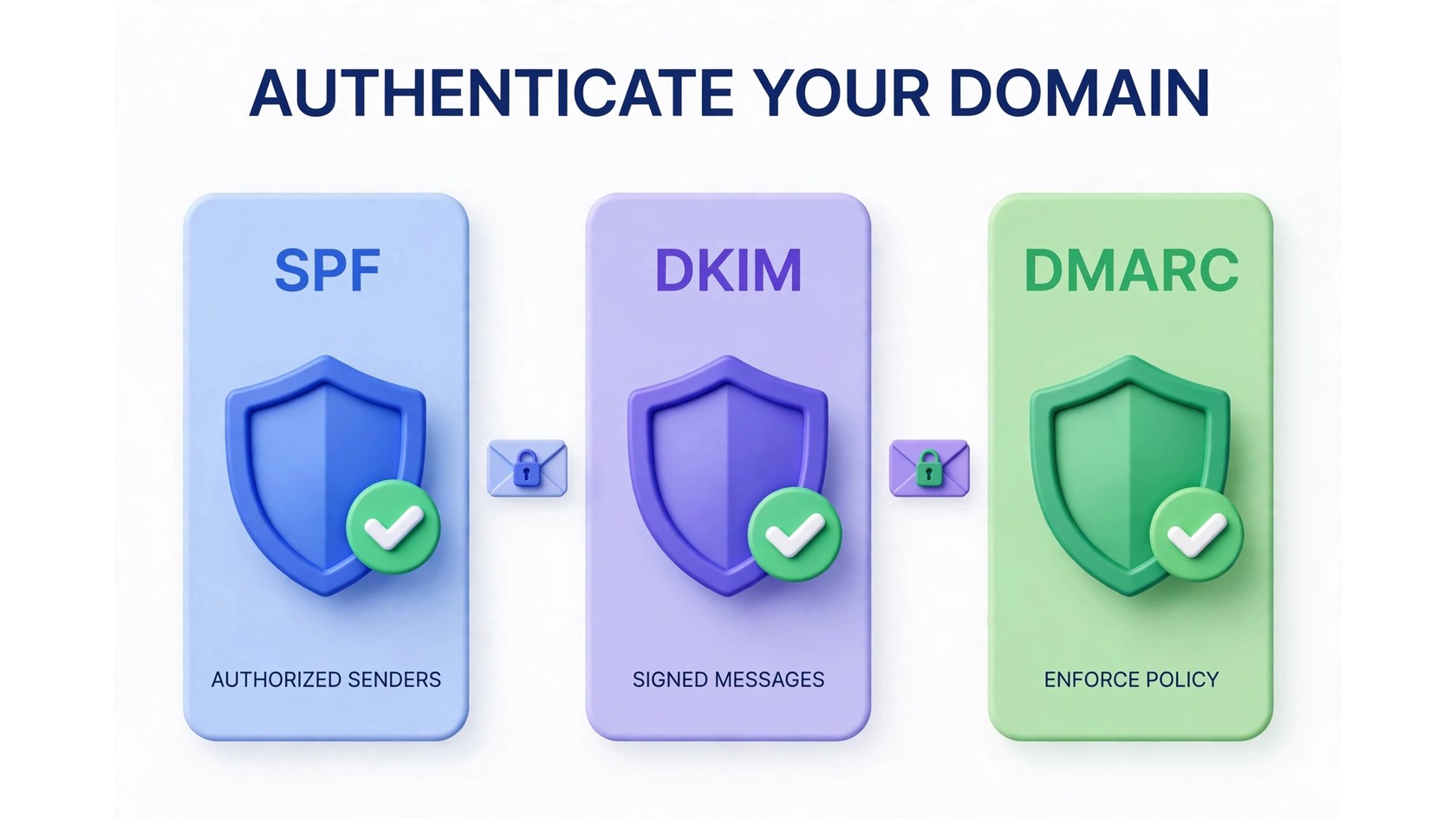
Authentication is the technical handshake that tells mailbox providers your emails are really from you. Without it, providers like Gmail and Yahoo treat your messages with suspicion, and bulk senders without proper authentication can see their mail rejected outright.
Tactic 1: Set up SPF
SPF (Sender Policy Framework) is a DNS record that lists which servers are allowed to send email on behalf of your domain. When a receiving server gets your message, it checks your SPF record to confirm the sending server is authorized. Setting it up means adding a TXT record to your DNS: most email providers publish the exact record you need in their setup docs. If you send from multiple tools (your ESP, your CRM, a transactional service), every one of them must be included, or their mail will fail the check.
Tactic 2: Set up DKIM
DKIM (DomainKeys Identified Mail) adds a cryptographic signature to every email you send, proving the message was not altered in transit. Like SPF, it lives in your DNS as a TXT record, and your sending platform generates the key pair for you. DKIM is especially important because it survives forwarding, which SPF often does not. When both SPF and DKIM pass and align with your From domain, you get the strongest authentication signal mailbox providers look for.
Tactic 3: Publish a DMARC policy
DMARC (Domain-based Message Authentication, Reporting, and Conformance) ties SPF and DKIM together and tells receiving servers what to do when authentication fails: nothing, quarantine, or reject. Start with a monitoring policy (p=none) so you receive reports showing who sends mail as your domain, including unauthorized senders. Once legitimate sources are identified and fixed, move to quarantine and finally reject. DMARC reports are also the fastest way to spot spoofing attempts against your brand. Our email deliverability terms guide explains these protocols in plain language if you want more background.
Keep your list clean
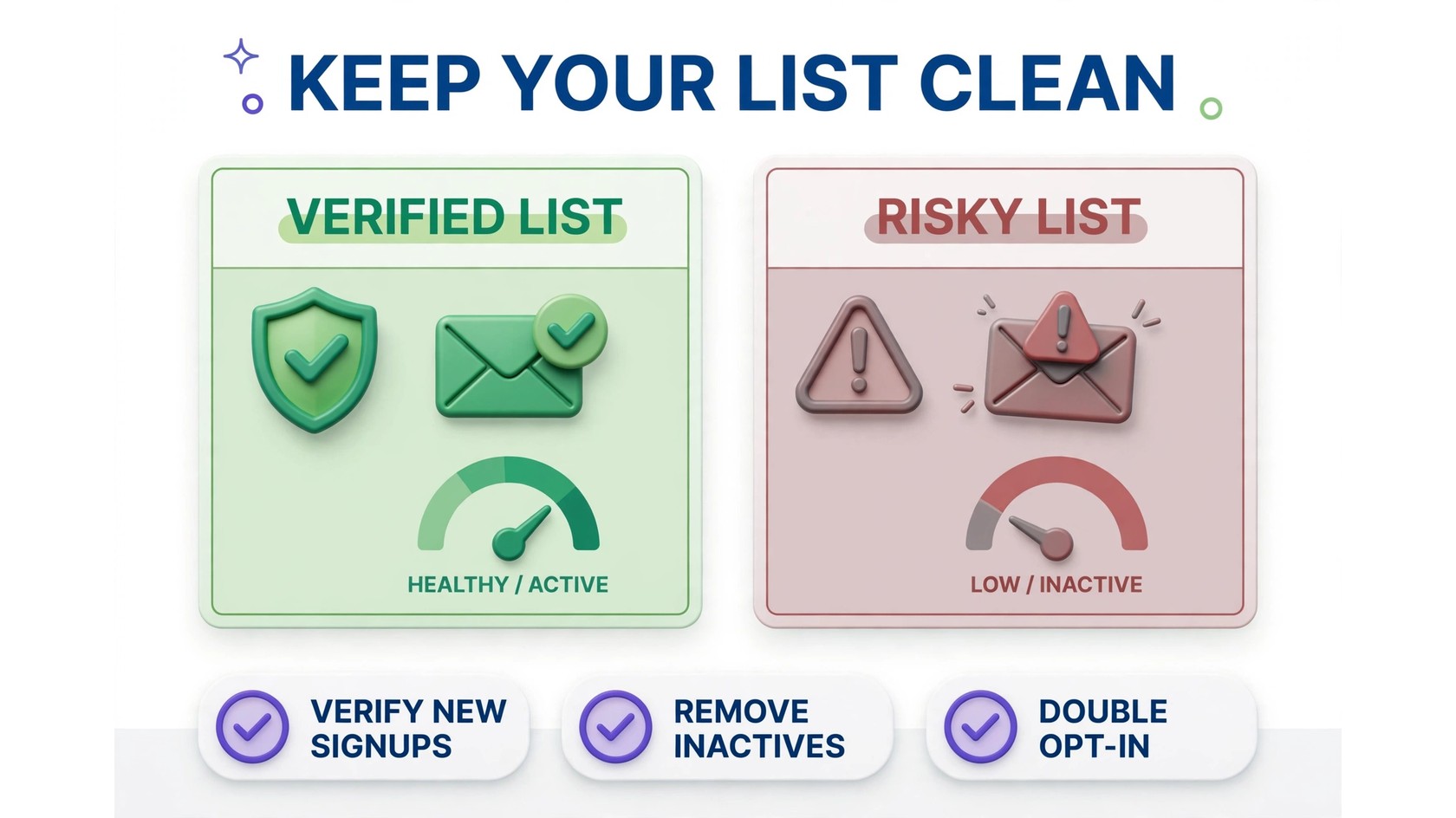
Mailbox providers judge you by how recipients treat your mail. Sending to dead addresses, spam traps, and people who never open trains filters to distrust you. List hygiene is the highest-leverage work most senders neglect.
Tactic 4: Verify your email list regularly
Run your full list through an email verification service before every major campaign, and verify new signups in real time at the point of capture. Verification catches invalid addresses, disposable emails, catch-all domains, and known spam traps before they can generate bounces. Aim to re-verify your full list every 3 to 6 months, and always verify a list you have not mailed in a while before sending to it again.
Tactic 5: Use double opt-in for new signups
Double opt-in asks new subscribers to confirm via a link in a confirmation email before they join your list. It adds one small step, but it filters out typos, fake addresses, and bot signups at the source. Lists built with double opt-in consistently show lower bounce rates and fewer spam complaints, which directly protects your sender reputation from day one.
Tactic 6: Remove chronically inactive subscribers
Set a sunset rule: anyone with no opens in 6 to 12 months gets a final re-engagement email, then is removed or suppressed. Mailing people who never engage drags down your open rates, and low engagement is a negative signal to spam filters. A smaller, engaged list will always outperform a large, cold one on deliverability. If your open rate dropped suddenly, a bloated inactive segment is one of the first things to check.
Send to engaged subscribers
Engagement is the signal mailbox providers weigh most heavily. Opens, replies, and moves out of spam tell filters your mail is wanted. Design your sending around earning those signals.
Tactic 7: Segment by engagement level
Split your list into highly engaged, moderately engaged, and cold segments, and treat them differently. Send your most frequent campaigns to the engaged group, reduce frequency for the middle group, and put the cold group through re-engagement or sunset. Segmentation lifts per-campaign engagement rates, which is exactly what inbox algorithms reward.
Tactic 8: Keep a consistent sending schedule
Mailbox providers build a reputation profile for your sending patterns. Sudden spikes in volume look like spam behavior, while steady, predictable sending builds trust. If you need to increase volume, ramp up gradually over several weeks rather than blasting a huge campaign out of nowhere. Consistency also trains your subscribers to expect and open your emails.
Tactic 9: Re-engage before you remove
Before sunsetting cold subscribers, send a short win-back sequence: acknowledge their inactivity, offer something genuinely useful, and ask if they still want to hear from you. Some will re-engage, which is a strong positive signal. Those who do not confirm get suppressed. Either outcome improves your list quality, and the re-engaged subscribers often become your most loyal readers.
Protect your sender reputation
Your sender reputation is the score mailbox providers assign based on your sending history. It follows your domain and IP address, and rebuilding it after damage takes far longer than protecting it in the first place.
Tactic 10: Warm up new domains and IPs gradually
Never launch full-volume campaigns from a brand-new domain or dedicated IP. Start with small sends to your most engaged subscribers and increase volume steadily over 4 to 8 weeks. This warm-up period lets providers observe good engagement patterns and assign you a positive reputation from the start. Skipping warm-up is one of the fastest ways to land a new domain in spam.
Tactic 11: Monitor blocklists and act fast
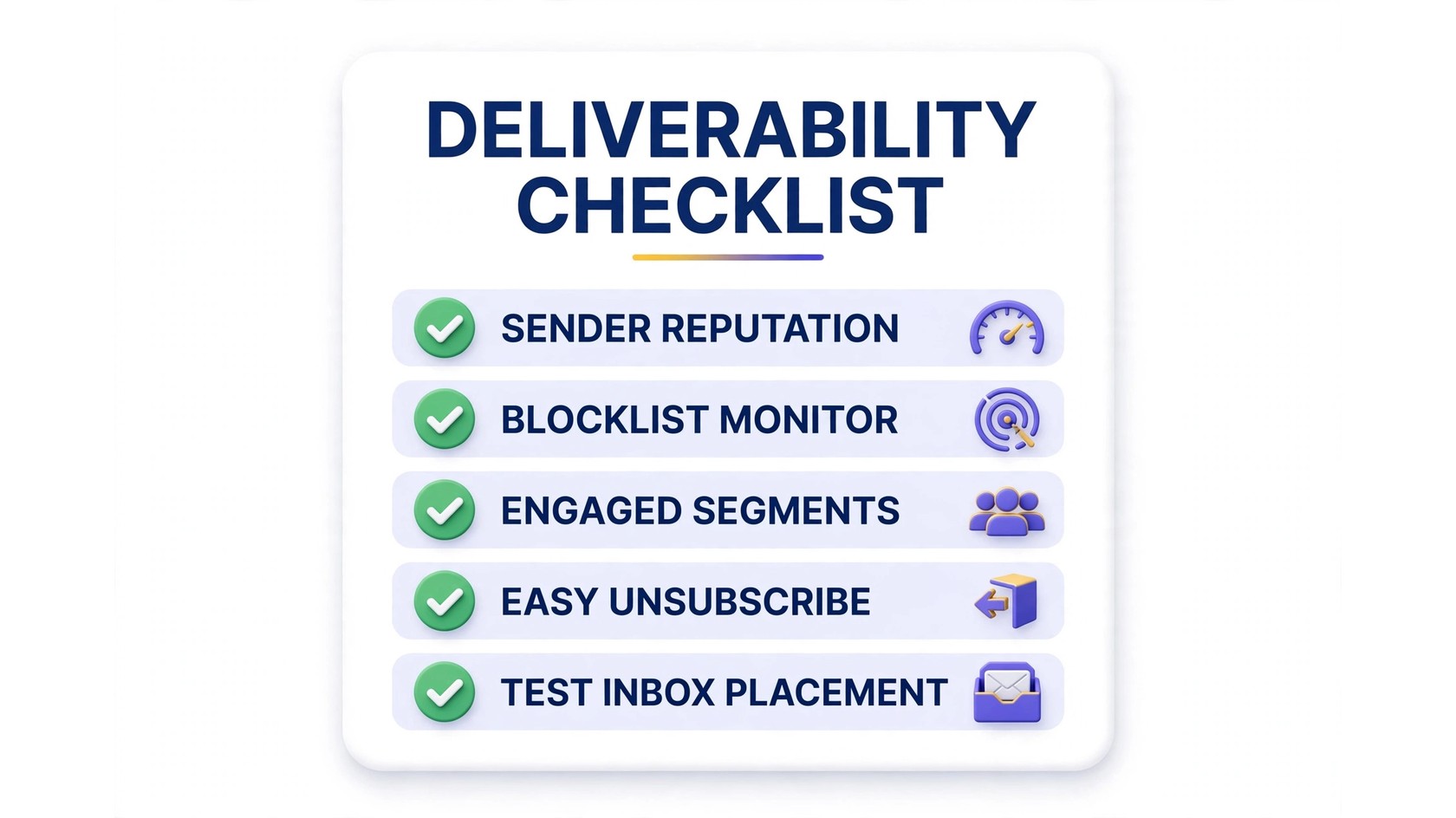
Check major blocklists regularly for your sending domains and IPs. A blocklisting means a significant share of your mail is being rejected or filtered, and it needs immediate attention: identify the cause (usually a spike in bounces or complaints), fix it, then follow the delisting process. If you discover you are blocklisted, most lists offer a removal request process once the underlying issue is resolved. Learn the difference between domain reputation and IP reputation so you know which one needs repair.
Tactic 12: Make unsubscribing easy
Every marketing email should have a visible one-click unsubscribe link, and you should honor list-unsubscribe headers so mailbox providers can show an unsubscribe button at the top of your message. This sounds counterintuitive, but an easy exit prevents spam complaints, and complaints damage your reputation far more than unsubscribes do. Never hide the unsubscribe link or require a login to opt out.
Fix content and technical issues
Even with perfect authentication and a clean list, sloppy content and technical misconfigurations can trigger filters. These final tactics close the remaining gaps.
Tactic 13: Avoid spam trigger patterns
Skip deceptive subject lines, excessive capitalization, and aggressive sales language like “FREE!!!” or “Act now!!!”. Keep subject lines honest and specific to the email content. Also avoid URL shorteners in email copy, since spammers abuse them and filters notice. Write like a human talking to another human, and most content filters will leave you alone. If your messages are being marked as spam, content patterns are worth auditing alongside your list quality.
Tactic 14: Balance images and text
Emails that are one giant image with no text look exactly like common spam formats. Use a healthy balance of text and images, always include alt text, and never send image-only emails. Including a plain-text version alongside your HTML email also helps: it improves accessibility and gives filters more legitimate content to evaluate. Independent roundups like Sender.net’s tested comparisons consistently show that well-structured, text-rich emails perform better on deliverability checks.
Tactic 15: Monitor metrics and test placement
Track bounce rate, complaint rate, open rate, and spam placement trends weekly, not just campaign totals. Set up seed-list testing or use inbox placement tools to see where your emails actually land across Gmail, Outlook, and Yahoo before important campaigns. Catching a placement dip early lets you diagnose the cause (a new list source, a content change, a reputation hit) while it is still easy to fix. Guides like Mailercloud’s deliverability resources are useful references for benchmarking what healthy metrics look like.
FAQs
What is a good email deliverability rate?
There is no single universal benchmark, because rates vary by industry, list quality, and how strictly you measure inbox versus spam placement. What matters most is your own trend: stable or improving inbox placement over time means your practices are working. A sudden drop is the real warning sign, and it usually traces back to a list, reputation, or authentication change.
How long does it take to improve deliverability?
Technical fixes like SPF, DKIM, and DMARC can improve authentication immediately. Reputation repair takes longer: expect 4 to 8 weeks of consistent good sending to rebuild trust after a period of high bounces or complaints. List hygiene improvements show results within one or two campaign cycles.
Does double opt-in really help deliverability?
Yes. Double opt-in produces lists with fewer invalid addresses, fewer typos, and fewer spam complaints, because every subscriber actively confirmed they want your mail. The small drop in signup conversion is offset by better engagement and reputation signals from the subscribers who remain.
Can I fix deliverability without changing my email platform?
In most cases, yes. Authentication records, list cleaning, sunset policies, segmentation, and content fixes are all platform-independent. Only switch platforms if your current one lacks the authentication controls, API access, or reporting you need to execute these tactics.
Why are my emails going to spam even with low bounce rates?
Low bounces rule out list quality as the cause, so look at engagement and content next. Check whether authentication is fully passing (a single misconfigured record can cause failures), whether complaint rates have crept up, and whether recent content changes introduced spam trigger patterns. Testing inbox placement directly will confirm where the problem lies.
Should I use a dedicated IP address?
A dedicated IP gives you full control over your sending reputation, which is valuable at high volumes. Below roughly tens of thousands of emails per month, a shared IP from a reputable provider is usually fine and avoids the burden of warming up and maintaining your own reputation. The right choice depends on your volume and how much control you need.
How often should I clean my email list?
Verify new signups in real time, run your full list through verification every 3 to 6 months, and apply your sunset rule continuously. Also verify any list segment you have not mailed in over 6 months before sending to it again. Regular cleaning is the single most reliable deliverability habit.
The bottom line
Improving email deliverability is not about one magic fix. It is the compound effect of authenticating your domain, keeping your list clean, sending to engaged subscribers, protecting your reputation, and fixing content issues. Work through these 15 tactics in order, measure your placement trends, and your inbox rates will follow.
Start with the highest-leverage step: verify your list before your next campaign. See PureListVerifier’s pricing and clean your list today, or learn more about how PureListVerifier works.
