

Quick answer
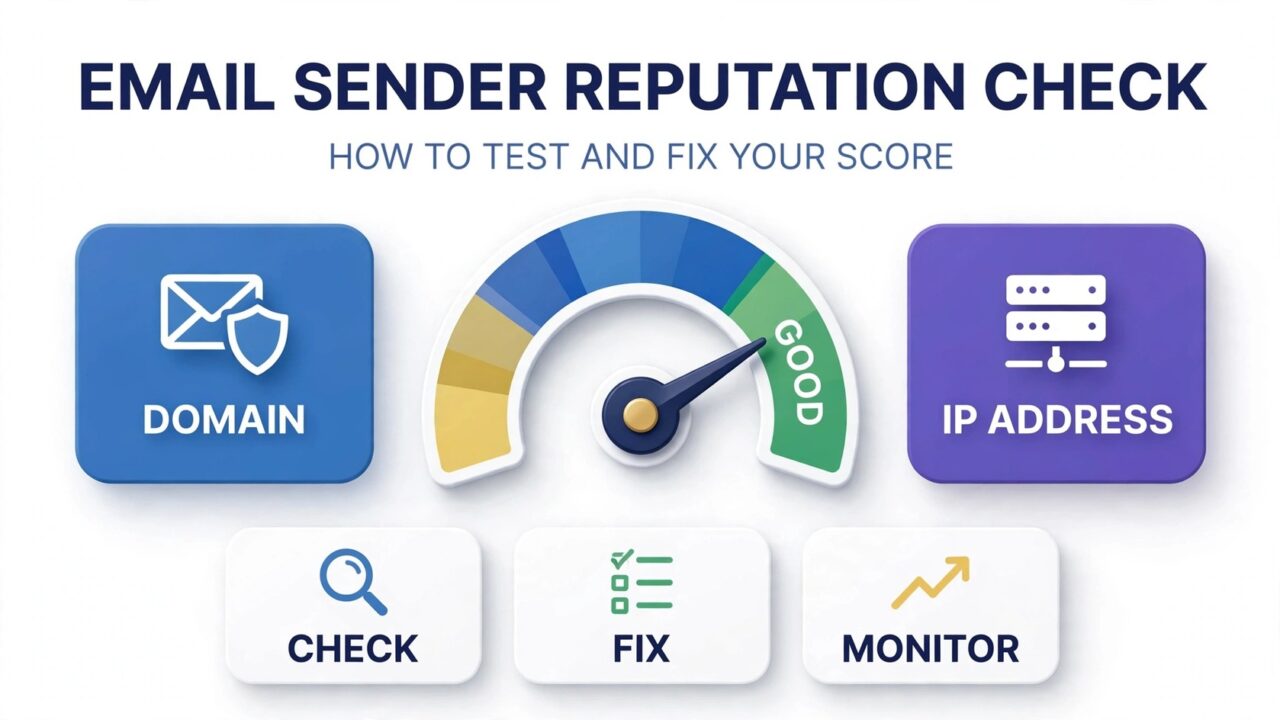
An email sender reputation check tells you how mailbox providers like Gmail, Outlook, and Yahoo judge your emails before they ever reach the inbox. Every sending domain and IP address builds a reputation from bounces, spam complaints, engagement, authentication, and list quality. If your open rates have slipped or more mail is landing in spam, your sender reputation is the first thing to inspect.
The short version: run the check with free tools like Google Postmaster Tools and Microsoft SNDS, review bounce and complaint rates, then fix the basics. Authenticate with SPF, DKIM, and DMARC, clean risky addresses from your list, and send consistently to engaged subscribers. Most senders see inbox placement recover after a few weeks of steady, clean sending.
What Is Email Sender Reputation?
Think of sender reputation as a credit score for your email program. Just as lenders check your credit history before approving a loan, mailbox providers check your sending history before deciding whether your message belongs in the inbox, the spam folder, or nowhere at all.
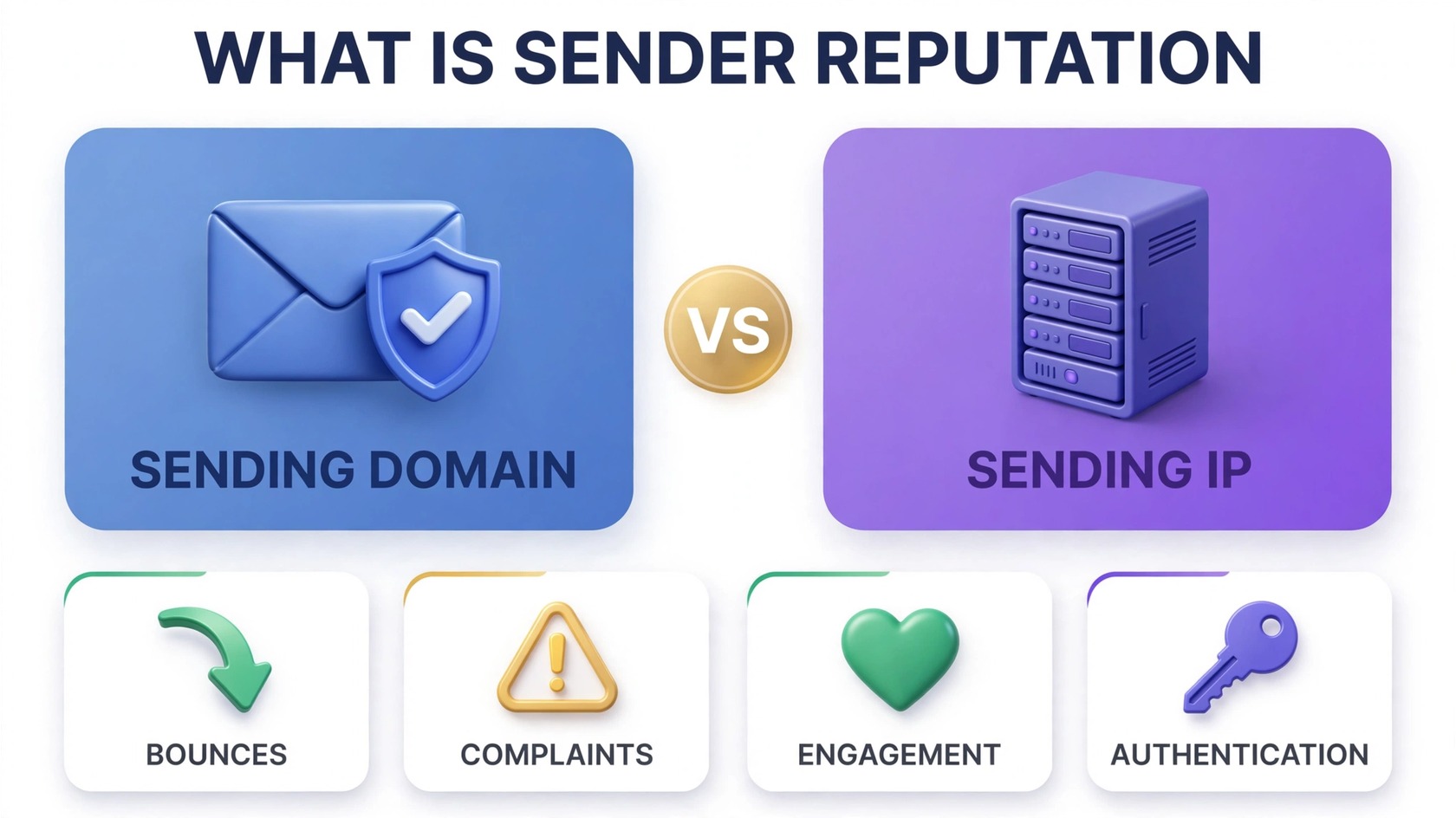
Your reputation attaches to your sending domain (like yourcompany.com) and your sending IP address. Gmail leans heavily on domain reputation, while some filters still weigh IP strongly. Our guide on domain reputation vs IP reputation breaks down how the two interact.
One catch: reputation is earned per mailbox provider. You can rank well with Gmail and poorly with Outlook at the same time, since each scores only the mail it sees. That is why a proper email sender reputation check uses more than one source.
How Mailbox Providers Actually Score You
No provider publishes its exact formula, but the signals that matter are well documented. These are the factors behind the score you see in every email sender reputation check.
Hard bounces. Every permanently undeliverable address is a vote against you. High bounce rates tell providers your list hygiene is poor, which is why regular email verification is the foundation of a healthy reputation.
Spam complaints. When recipients report your mail as spam, providers count it. Even a small sustained complaint rate drags your reputation down, because providers treat complaints as the strongest negative signal a sender can earn.
Engagement. Opens, replies, and “not spam” clicks count as positive signals. Mail that is ignored or deleted unread counts against you. This is why purchased lists destroy reputations: nobody asked for the mail, so nobody engages with it.
Authentication. SPF, DKIM, and DMARC prove your mail really comes from you. Missing authentication makes you indistinguishable from phishers to a filter. Our email deliverability glossary explains each term in plain language.
Consistency and trap hits. Steady sending volume builds trust, while wild swings look like compromised accounts. Hitting a spam trap or landing on a blocklist tanks a reputation fast, which is why a blacklist check belongs in every routine review. For the full picture of what is being judged, see our guide on domain reputation vs IP reputation.
Signs Your Sender Reputation Is Hurting You
Reputation damage rarely announces itself. It shows up as a slow leak you might blame on content or timing. Watch for these warnings, and treat two or more together as a strong reason to investigate immediately.
Open rates fall sharply. Gradual decline can be normal list aging, but a sharp drop usually means more mail is filtered before anyone can open it. See why open rates drop suddenly to tell filtering apart from content problems.
Bounce rates climb. If hard bounces keep rising campaign after campaign, your list is decaying faster than you clean it, and providers are noticing.
More mail lands in spam. Seed test addresses at Gmail, Outlook, and Yahoo and check placement. If spam becomes the norm, read what happens when email is marked as spam to understand the mechanics working against you.
Deferrals increase. “Try again later” responses mean providers are deliberately slowing you down, a classic early reaction to a slipping reputation, applied before outright blocking.
Blocklist warnings. Alerts from Postmaster Tools or SNDS are direct evidence, not hints. Act on them the same day.
How to Check Your Sender Reputation (Free Tools)
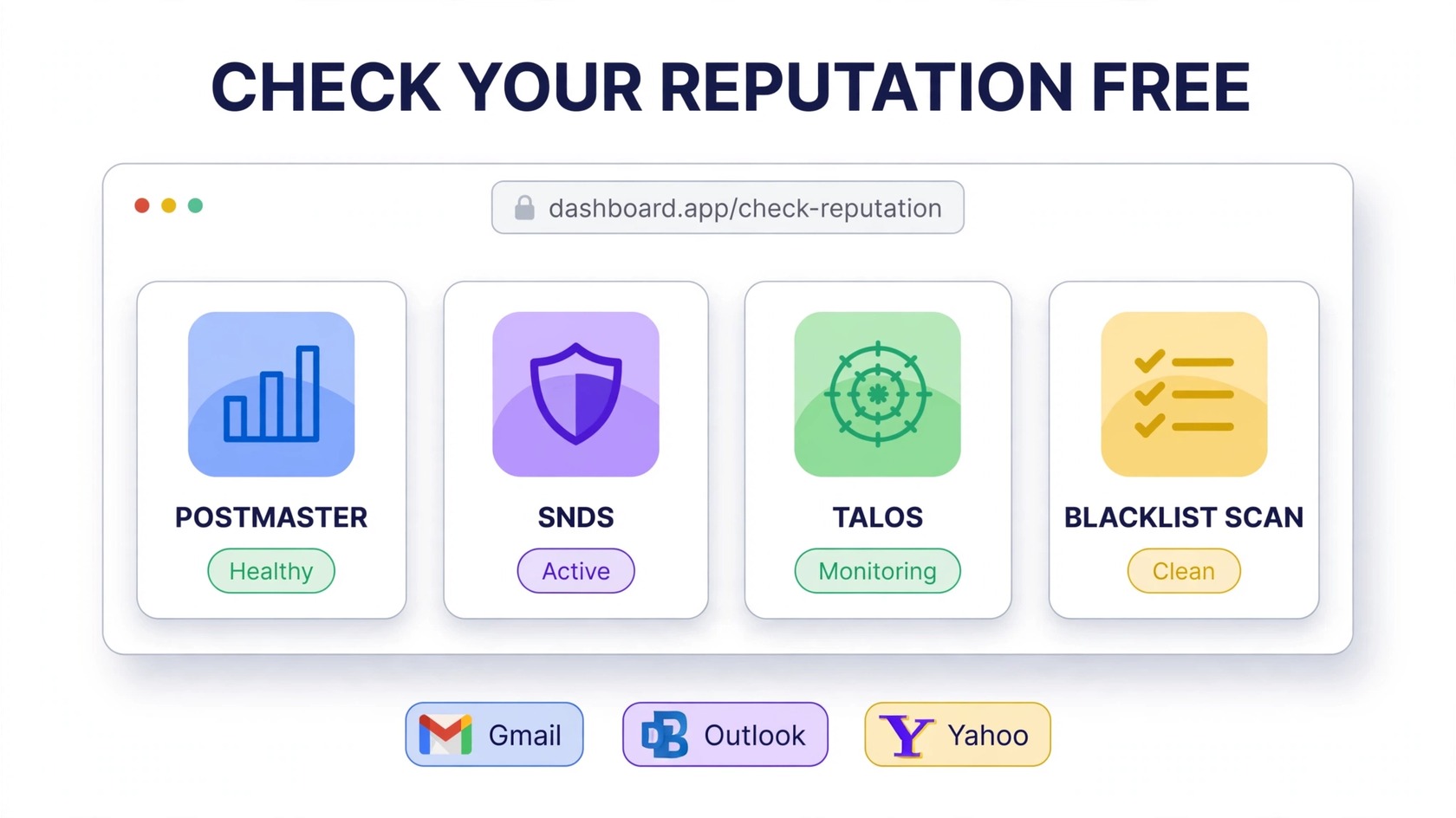
A thorough email sender reputation check uses several free sources, because each one sees a different slice of your sending. Work through them in this order.
1. Google Postmaster Tools. After verifying your sending domain, you get spam rate, IP and domain reputation, and authentication dashboards. Reputation is labeled Bad, Low, Medium, or High, and anything below High deserves attention. For most senders this is the single most valuable free check available.
2. Microsoft SNDS. Outlook.com and Hotmail publish complaint and trap-hit data for your IPs here. Enrollment is free and takes a few days to populate. If Microsoft mail matters to your audience, this view is non-negotiable.
3. Talos Intelligence. Cisco’s free IP and domain lookup is consulted by many corporate filters. A “Poor” rating here often explains why B2B mail vanishes at company gateways even when Gmail delivery looks fine.
4. MXToolbox blacklist check. Run your sending IPs and domain through the free lookup. One listing on a widely used list can explain a reputation collapse on its own, and the tool links directly to each list’s removal process.
5. Your ESP’s reports. Export 90 days of bounces, complaints, and unsubscribes and look at trends, not single campaigns. Rising bounces plus falling engagement is the fingerprint of reputation decay.
6. Seed testing. Send to test addresses you control across providers and note inbox versus spam placement. Independent benchmarks like the deliverability data published by Sender.net help you sanity-check what normal placement looks like in your industry.
How to Read Your Results
Tools give you labels and charts, but you still have to interpret them. Here is how to read the most common outputs like a deliverability professional.
Reputation labels. Google’s Bad to High scale is relative, not absolute. “Medium” with a rising spam rate is worse than “Medium” with a falling one, so always read the label together with its trend.
Spam rate vs. complaint rate. Both should be tiny and flat. A spike lined up with a single campaign tells you exactly which send caused the damage, which makes the fix much easier to target.
Authentication panels. SPF, DKIM, and DMARC pass rates should sit near 100 percent. Anything lower means some mail goes out unauthenticated, often from a forgotten integration, a new subdomain, or a third-party tool someone connected without telling you.
IP vs. domain signals. Poor IP but fine domain points to shared-IP neighbors or a tainted IP history. Poor domain but fine IP points to content, list, or engagement problems. Knowing which one is guilty keeps you from fixing the wrong thing.
How to Fix a Bad Sender Reputation (Step by Step)
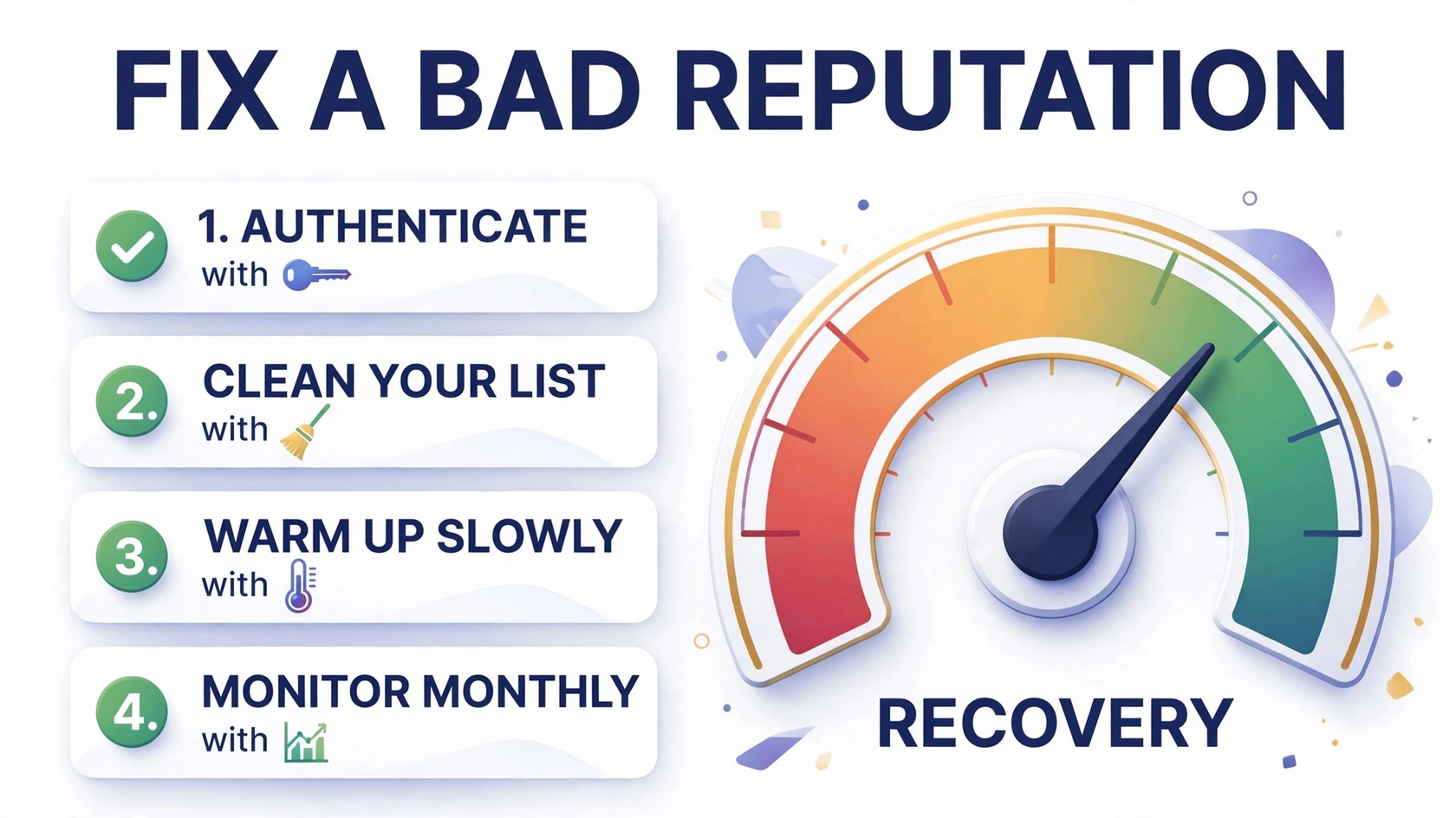
Recovery follows a predictable order: stop the damage, clean the foundation, then rebuild trust gradually. Skip the order and you will keep undoing your own progress.
Step 1: Authenticate everything. Publish correct SPF, DKIM, and DMARC records for your sending domain, subdomains, and third-party senders. Start DMARC in monitoring mode so you can see who sends on your behalf before enforcing stricter policies. Authentication alone will not rescue a terrible reputation, but nothing else works reliably without it.
Step 2: Clean your list ruthlessly. Suppress every hard bounce immediately, since mailing them again just adds fresh negative signals. Remove or re-confirm addresses with no engagement in 6 to 12 months, then run an email verification pass before your next campaign to catch typos, disposable addresses, and dead domains. You can try PureListVerifier to get that cleanup done in minutes instead of days.
Step 3: Stop the bleeding. Pause cold outreach and high-risk sends while you recover. Mail only your most engaged segments first, because their engagement is the positive signal that starts rebuilding your score.
Step 4: Request blocklist removal. If your check found a listing, follow each list’s delisting process after fixing the underlying cause. Requesting removal before the fix just gets you relisted, which looks worse than the original listing.
Step 5: Warm up gradually. Increase volume slowly while engagement stays high. Think of it like rebuilding credit: small, responsible sends, every time. Sudden spikes during recovery reset your progress.
Step 6: Lock in the habits. Verify new signups at the point of capture, keep authentication monitored, and review Postmaster Tools monthly. Reputation maintenance is dramatically cheaper than reputation repair.
How Long Does Recovery Take?
There is no fixed timeline, because providers score you on sustained behavior, not single events. In practice, senders who fix authentication, clean their lists, and mail engaged segments consistently tend to see the first improvements within a few weeks, with full recovery taking longer depending on how deep the damage went.
Recovery speeds up when you cut every negative signal at once and concentrate early sends on engaged subscribers. It slows down with premature volume spikes or hidden senders, like a forgotten integration still mailing bad addresses from your domain.
Frequently Asked Questions
What is a good email sender reputation score?
It depends on the tool. Google Postmaster Tools rates you Bad, Low, Medium, or High, and you want High with flat or falling spam rates. Talos uses Good, Neutral, or Poor. There is no universal 0 to 100 score, so judge yourself by the 30 to 90 day trend: steady or improving means your practices are working.
How do I check my sender reputation for free?
Start with Google Postmaster Tools for Gmail data and Microsoft SNDS for Outlook data, then add Talos for IP reputation and MXToolbox for blacklist checks. All four are free and together cover what paid monitors show at a basic level. Your ESP’s bounce and complaint reports complete the picture.
Why did my sender reputation drop suddenly?
Sudden drops usually trace to one event: a campaign to an old or purchased list, a broken authentication record after a DNS change, a spam trap hit, or a new blocklist listing. Line up the timing of the drop with your most recent sends, because the cause is almost always in the last thing you changed.
Can a new domain have a bad sender reputation?
New domains start with no reputation rather than a bad one, which brings its own problem: providers throttle unknown senders until they prove themselves. Warm new domains gradually with engaged recipients instead of blasting from day one, or you will look like a spammer rotating domains.
Does a dedicated IP help sender reputation?
A dedicated IP gives you full control, which helps if a shared IP’s bad neighbors were hurting you. But you also own 100 percent of the consequences, good and bad. Most small to mid-size senders perform perfectly well on a reputable shared IP with a clean domain reputation.
How often should I check my sender reputation?
Monthly for healthy programs, weekly while recovering from a dip, and immediately after infrastructure changes like a new ESP, a DNS migration, or a new sending subdomain. Put it on the calendar so the check happens before small problems compound.
Will buying an email list hurt my sender reputation?
Almost certainly. Purchased lists bring dead addresses, spam traps, and zero engagement, which means instant bounces and complaints. It is the fastest legal way to destroy a sender reputation, and recovery takes far longer than any short-term gain from the extra addresses.
The bottom line
An email sender reputation check is not a vanity metric, it is an early warning system. Check it with the free tools above, read the trends honestly, and fix problems in order: authenticate, clean your list, mail your engaged subscribers first, and grow volume gradually. Senders who do this consistently rarely face reputation crises, because they catch the small dips before they become collapses.
If your check turned up bounce problems, start with the list itself. See PureListVerifier’s pricing and run your next campaign on a verified list instead of hoping for the best.
