

What a LinkedIn Email Finder Actually Does
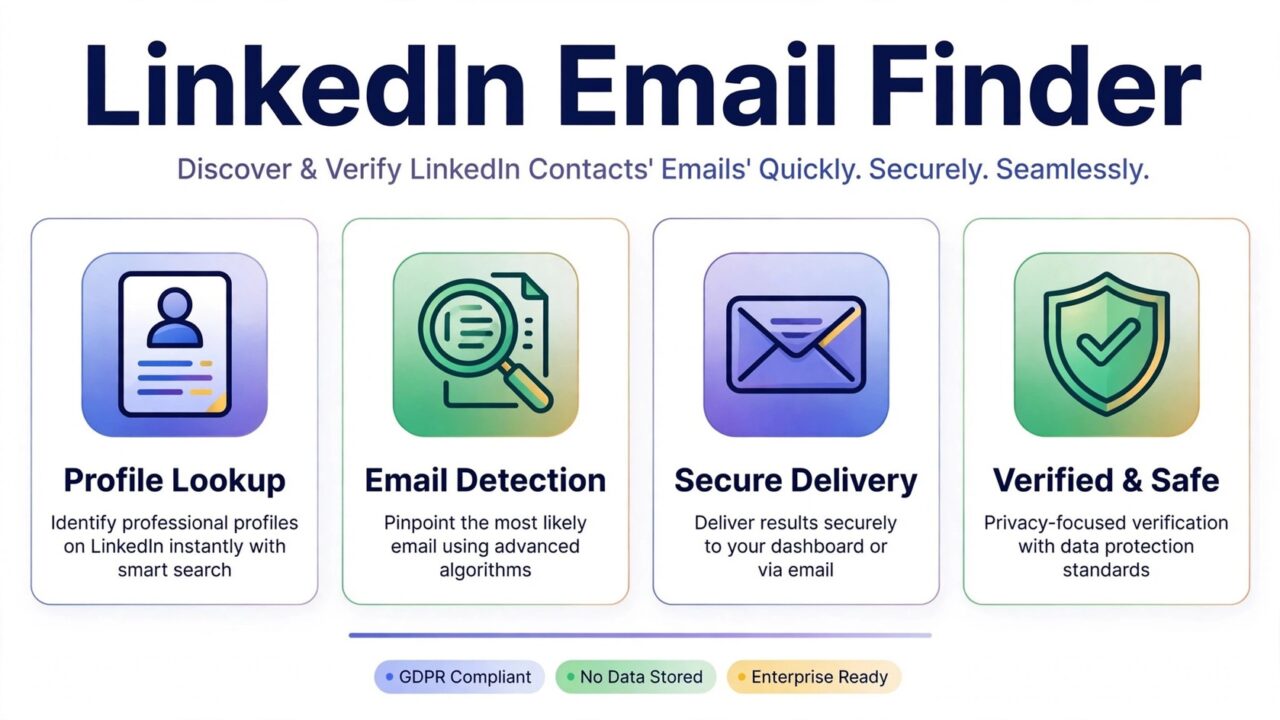
If you do business-to-business outreach, LinkedIn is often the first place you look for prospects. Profiles show job titles, companies, industries, and work history in one place. The problem is simple. LinkedIn does not hand you a prospect’s business email address. A LinkedIn email finder is a tool that tries to bridge that gap. It takes the public details on a profile, such as a name and a company domain, and returns a likely business email address for that person.
It is important to understand what that result is. A finder does not read a private inbox, unlock hidden contact details, or guarantee that an address will accept mail. It makes an informed prediction based on public data and known email patterns. That prediction still needs to be checked before you send anything. Verification protects your sender reputation.
How LinkedIn Email Finder Tools Work
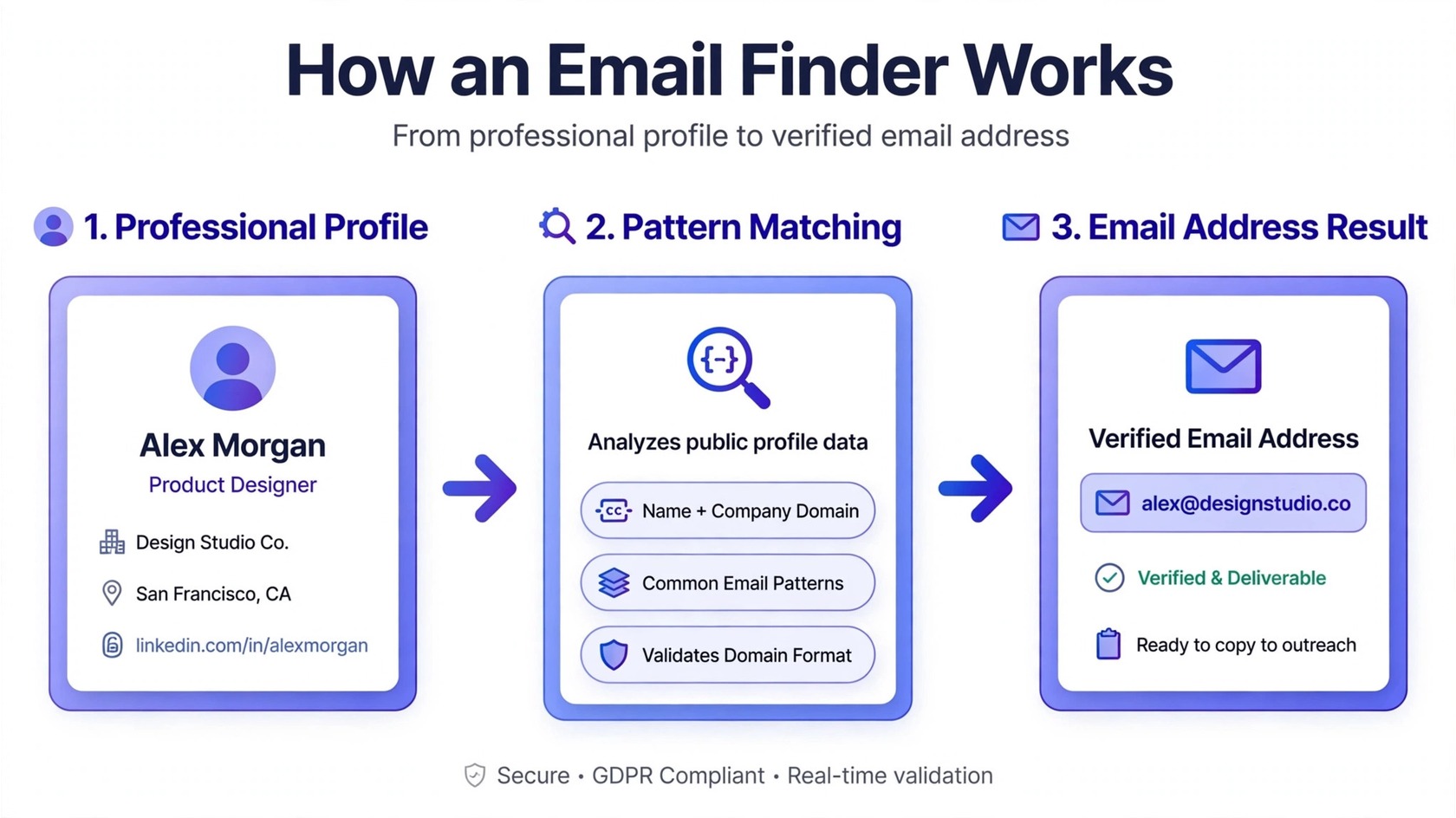
Most finder tools follow a similar process. First, you give the tool a prospect’s name and company, or you point it at a LinkedIn profile. The tool then looks for the company’s email pattern. Many companies use a consistent format, such as firstname.lastname at the company domain, first initial plus last name, or firstname only. The tool applies that pattern to your prospect and returns the matching address.
Some tools also check their own databases of previously collected business contacts. Others search public web sources where the address may already appear, such as speaker pages, press releases, or company team pages. The stronger tools combine both approaches. They check the pattern, look for corroborating public evidence, and sometimes run a basic deliverability check. Even then, the result is best treated as a strong lead, not a confirmed contact.
What Finders Can Do Well
A good finder saves a large amount of manual research time. Without one, you would open each profile, visit the company website, search for the email pattern, and test it yourself. A finder automates that pattern matching across hundreds of prospects. For teams that build lead lists every week, that time saving is the main benefit.
Finders also help you build cleaner prospect lists. When you start from a real profile with a current job title, you avoid the stale, scraped lists that cause most cold outreach problems. You know the person, their role, and their company before you ever send a message. That context makes your outreach more relevant, which helps response rates and keeps complaints low.
What Finders Cannot Do
A finder cannot confirm that an address is live. It cannot tell you whether the person still works at the company, whether the mailbox is full, or whether the domain uses a catch-all setup that accepts everything. It cannot guarantee inbox placement, and it cannot protect your domain if you mail a list of unverified guesses. Those limits matter because every bounce and complaint counts against your sender reputation.
Why Accuracy Varies So Much
Accuracy is the question every buyer asks, and the honest answer is that it varies. One reason is that email patterns are not universal. A company may use firstname.lastname for most staff and a different format for executives. A tool that assumes one pattern will miss those exceptions. Another reason is job movement. People change roles, and old addresses stop working. A database that was accurate last year may be stale today.
Company domains add another layer. Some companies use more than one domain, or they route mail through a parent company. A finder may return an address on the wrong domain, and that address may bounce. Catch-all domains make the problem harder. A catch-all server accepts mail for any address, so a basic check cannot tell whether the specific address exists. To understand the difference between these two kinds of tools, see our guide on email finder vs email verifier.
Why Emails Found on LinkedIn Bounce
Bounces usually come from a few predictable causes. The first is job changes. The person left the company, and their mailbox was closed. The second is a wrong pattern. The tool guessed firstname.lastname, but the company actually uses a different format. The third is a typo in the company domain, which is easy to introduce when you copy domains by hand.
A fourth cause is role-based and generic addresses. Some profiles resolve to addresses such as info, support, or sales at the company domain. These addresses may accept mail, but they rarely reach your intended prospect, and they often trigger spam complaints. Lists built from sources such as Apollo have the same weakness. We explain the pattern in our article on why Apollo.io emails bounce.
Respecting LinkedIn’s Terms and the Law
Use finder tools in a way that respects the platform and the people on it. Do not use automated scraping, bots, or bulk extraction scripts to pull data from LinkedIn. Those methods violate LinkedIn’s terms of service and can get accounts restricted. Use legitimate tools that work from data you provide, such as a name and company, or that operate with your own exported connections and lawful data sources.
Legal rules also apply. In many regions, business-to-business outreach is permitted, but you must include a clear way to opt out, identify yourself honestly, and stop contacting anyone who asks you to stop. In the European Union, the GDPR sets strict rules for personal data, and in other regions, anti-spam laws such as CAN-SPAM set their own requirements. A finder tool does not make you compliant on its own. Your process must.
The Verify Step: Why It Is Not Optional
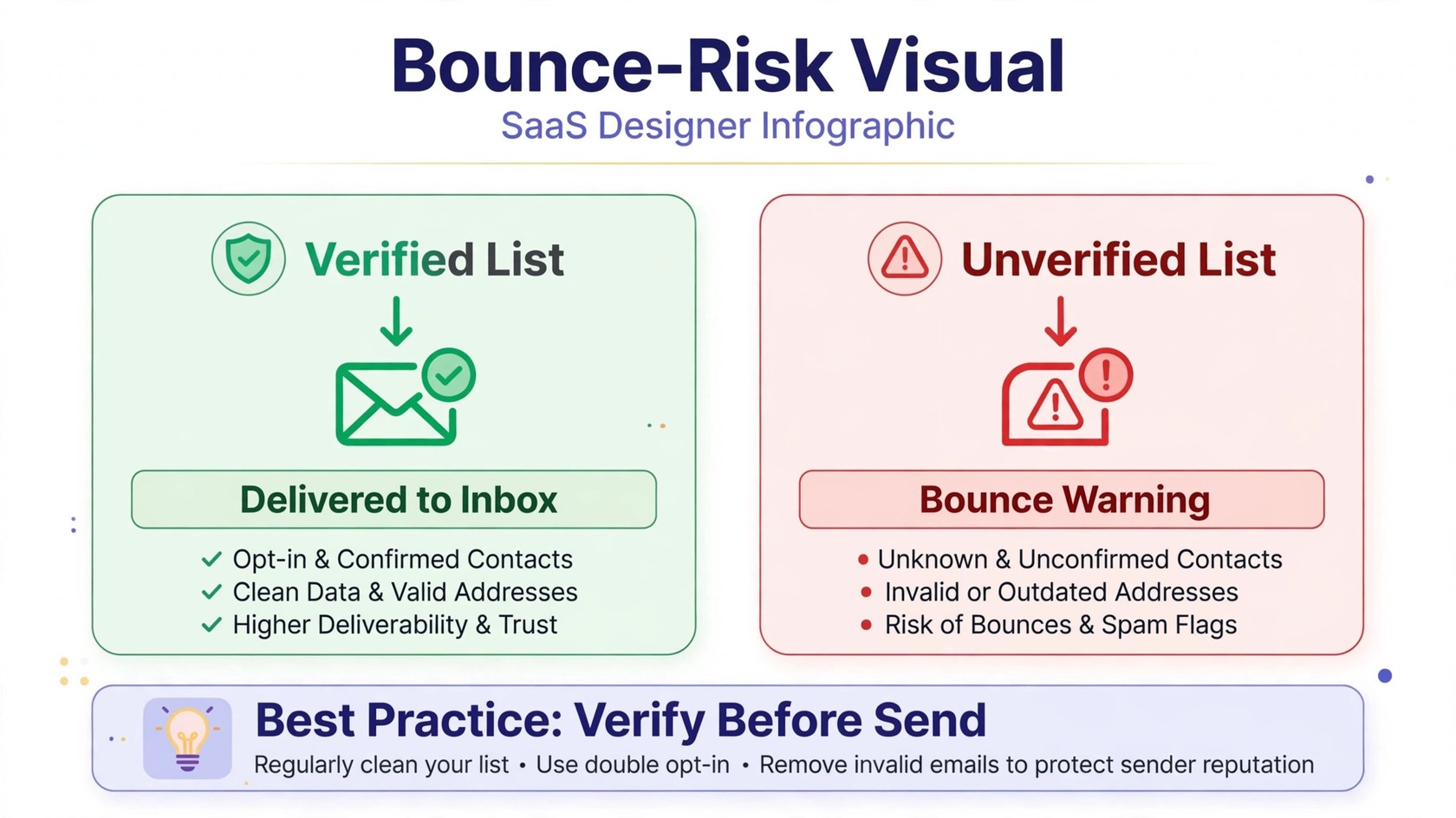
Verification is the step that turns a finder list into a sendable list. A verifier checks each address through several stages. It confirms the syntax is correct, confirms the domain exists and can receive mail, checks the mail server response, and flags risky categories such as catch-all, disposable, and role-based addresses. It removes addresses that will bounce and flags addresses that are risky, so you can decide whether to send to them.
This matters because mailbox providers track how often your mail bounces, how often people mark it as spam, and how often people engage with it. High bounce rates signal that you are mailing stale or guessed addresses. That can push your mail into spam folders, or worse, get your domain blocked. Verification is a small cost compared with the damage of a burned domain. To understand the full process, read our guide on what email verification is. For the related distinction between verification and validation, see email verification vs email validation.
A Practical Find, Verify, and Send Workflow
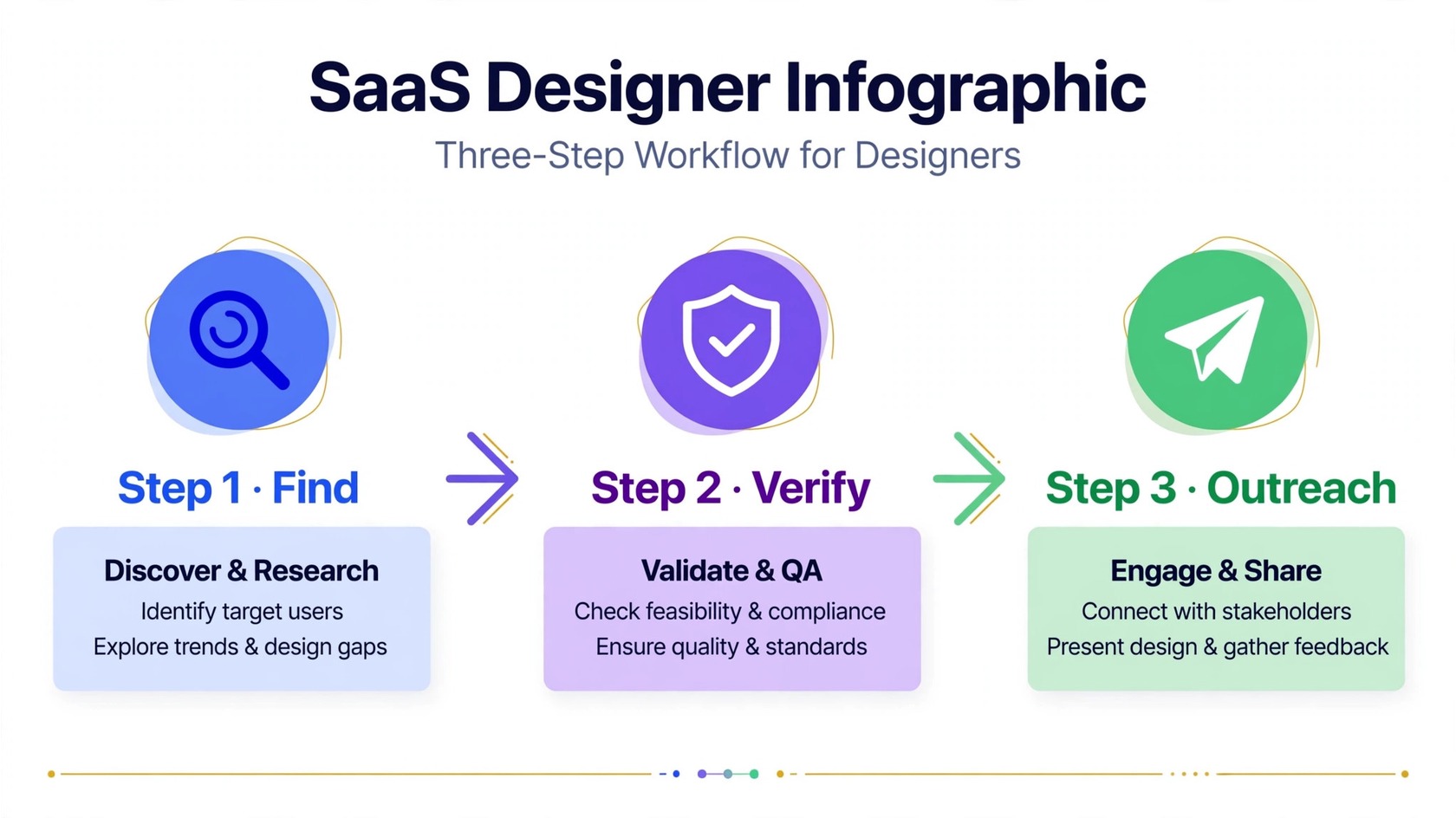
Start by defining your ideal prospect. Be specific about industry, company size, job title, and geography. A narrow definition gives you a better list than a broad one. Then use a finder to collect candidate addresses, and run the entire list through a verification tool before you import it into your sending platform. PureListVerifier checks syntax, domain, mail server, and mailbox status, and flags risky categories such as catch-all and disposable addresses. You can review the results on the features page, and check pricing on the pricing page. Remove invalid addresses, and set risky addresses aside instead of mailing them in your first campaign.
Then segment the verified list. Send your first campaign to your best-fit segment, not the whole list at once. Watch the results for a day or two. If bounce rates are low and replies are coming in, you can expand to the next segment. If bounces spike, pause and investigate before you send more. Finally, keep the list fresh. Verify again before any large campaign, and remove anyone who unsubscribed, bounced, or asked to stop.
Choosing a Finder and Avoiding Common Mistakes
When you compare finder tools, focus on a few practical questions. Does the tool return addresses you can export in a clean file, or does it lock them inside its own dashboard? Export matters, because you need to run verification and import the results into your sending platform. Does it respect the platform’s rules and work from data you lawfully provide? Avoid any tool that promises bulk scraping or that encourages you to automate profile visits.
The most common mistake is mailing finder results without verification. This is also the most damaging mistake. A single campaign to an unverified list can produce enough bounces to hurt your domain for weeks. The second mistake is mailing the whole list at once. A gradual rollout gives you a chance to catch problems early. The third is ignoring opt-outs. If someone replies asking to be removed, remove them immediately. The fourth is sending generic mass messages. Use the profile context you already have, and mention one specific reason you are reaching out. If you want a broader view of list care, see our guide on how PureListVerifier works and the frequently asked questions page.
Checklist Before Your First Outreach
Use this checklist before you send anything to a finder-sourced list. First, confirm that every prospect is a genuine fit for your offer. Second, confirm that every address has been verified and that invalid addresses are removed. Third, confirm that risky addresses, such as catch-all and role-based addresses, are excluded from your first send. Fourth, confirm that your message includes your real name, your company, and a clear opt-out. Fifth, confirm that your sending domain is properly set up with authentication. If you can check every box, you are ready to send. If you cannot, fix the gaps first. A short delay is always cheaper than a damaged domain.
Frequently Asked Questions
What is a LinkedIn email finder?
A LinkedIn email finder is a tool that returns a likely business email address for a person based on their public LinkedIn profile details, such as their name and company domain. It predicts an address using known email patterns and public data. The result still needs verification before you send mail to it.
Are LinkedIn email finder tools accurate?
Accuracy varies. Finders work well when a company uses a consistent email pattern and the prospect still works there. Accuracy drops when patterns vary, people change jobs, or domains use catch-all setups. Treat every result as a candidate address, and verify the full list before outreach.
Is it legal to find emails from LinkedIn?
Finding a publicly listed business email address and sending a relevant business message is permitted in many regions, but rules differ by country. You must identify yourself honestly, include a clear opt-out, and honor every unsubscribe. Do not use scraping or automation that violates LinkedIn’s terms. When in doubt, get legal advice for your region.
Why do emails found on LinkedIn bounce?
Common causes include job changes, wrong email patterns, typos in the company domain, role-based addresses, and catch-all domains. Verification catches most of these problems by checking the domain, the mail server, and the mailbox status before you send.
Should I verify emails before cold outreach?
Yes. Verification is the step that protects your sender reputation. It removes invalid addresses, flags risky ones, and keeps your bounce rate low. Mailing an unverified finder list is the fastest way to damage a sending domain.
Can a finder tell me whether an address is catch-all?
Most finders cannot. Catch-all detection is a verification function, not a finding function. A verifier flags catch-all domains so you can decide whether to send to those addresses or exclude them from your first campaign.
What is the difference between a finder and a verifier?
A finder predicts an email address from profile data. A verifier checks whether that address can receive mail. The two tools solve different problems, and you need both. Find first, verify second, and only then send.
How many prospects should I contact at once?
Start with a small, well-targeted segment rather than the whole list. A gradual rollout lets you spot bounce or complaint problems early, protects your domain, and gives you cleaner feedback on your message before you scale up.
