

You upload a list, hit send, and within minutes the bounce notifications start arriving. A few dozen at first, then hundreds. By the next morning your open rate has fallen, your email service provider has sent a warning, and you are not sure which part of the list caused it.
Email verification is the step that prevents this. It checks whether an address can actually receive mail before you send anything to it. This guide explains what verification is, how it works, what its results mean, when to run it, and where its limits are.
What is email verification?
Email verification is the process of checking whether an email address is real, correctly formatted, and able to accept messages, without sending an email to it.
A verification service asks a series of questions about each address: Is it written correctly? Does the domain exist? Is the domain configured to receive mail? Does the specific mailbox exist? Is the address disposable, or a shared role account? Each answer narrows down whether a message sent there would land, bounce, or cause a problem.
The output is a status for every address, usually valid, invalid, catch-all, or unknown, which tells you what to keep, what to delete, and what to treat carefully.
Verification, validation and list cleaning: what’s the difference?
These three terms are often used as if they mean the same thing. They overlap, but they are not identical.
| Term | What it actually does |
| Validation | Checks the format, is this a properly structured email address? A quick syntax test, nothing more. |
| Verification | Checks existence and deliverability, does this mailbox exist and will the server accept mail for it? |
| List cleaning | The wider job: verification plus removing duplicates, unsubscribes, complainers and long-inactive contacts. |
Validation alone catches typos. Verification is what actually protects your sending.
How does email verification work?
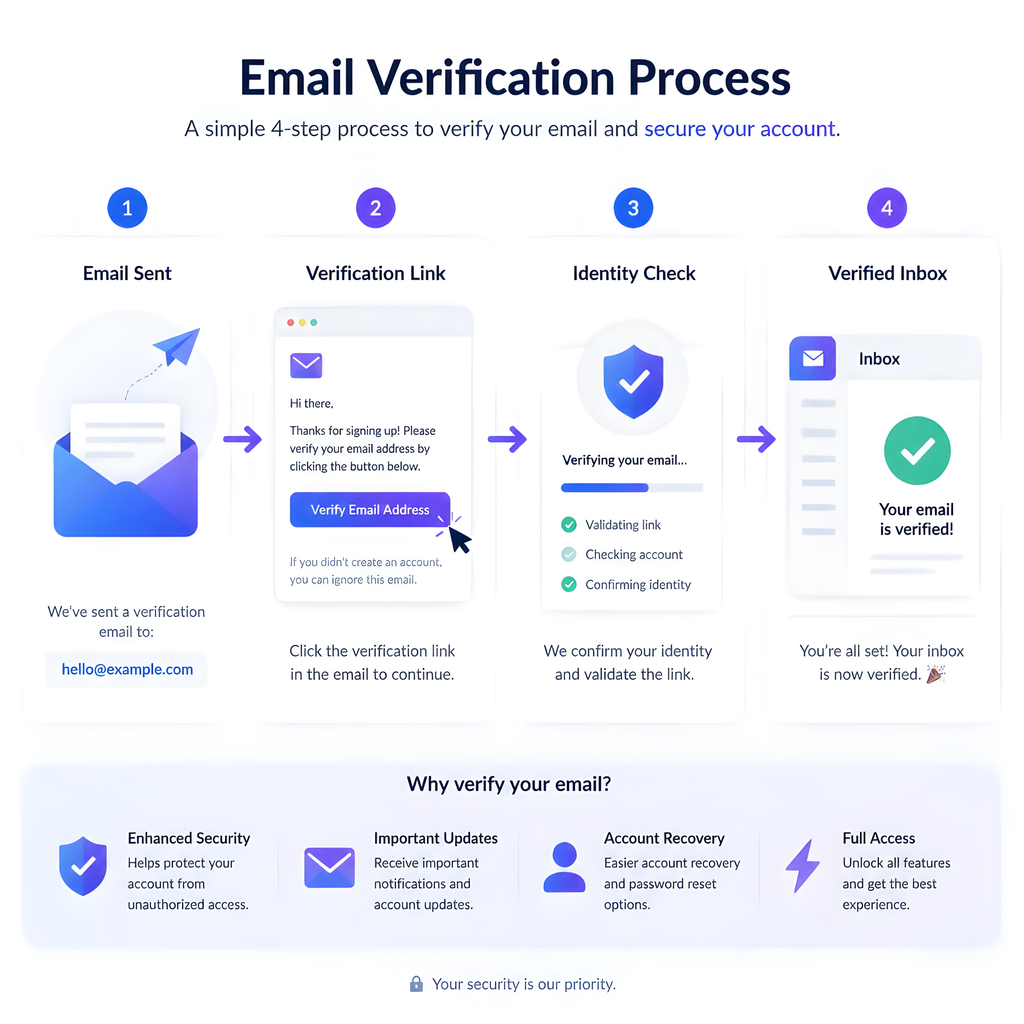
Verification runs as a sequence of checks. Each one is cheaper and faster than the one after it, so addresses that fail early never reach the more expensive tests.
1. Syntax check:
The address is parsed against the rules for what an email address may contain. Missing an @, containing spaces, or ending in a stray full stop all fail here. This catches genuine typing mistakes made on signup forms.
2. Domain and MX record lookup:
Next, the domain after the @ is checked. Does it resolve? Does it publish MX records, the DNS entries that tell the world which servers receive its mail? A domain with no MX records cannot accept email, so every address on it is undeliverable regardless of how well it is spelled.
This step also catches common domain typos such as gmial.com or yaho.com, which are usually suggested back as corrections rather than simply discarded.
3. Mailbox check (SMTP handshake):
This is the step that separates real verification from simple format checking. The service opens a connection to the receiving mail server and begins the conversation that delivering a message would normally start, but stops before any message is actually sent.
During that exchange the server usually indicates whether the specific mailbox exists. Nothing arrives in anyone’s inbox, and the recipient sees nothing.
4. Risk checks:
An address can exist and still be a poor thing to send to. This stage flags:
- Disposable addresses: Temporary inboxes created to get past a signup form, abandoned minutes later.
- Role accounts: Shared addresses such as
info@,support@orsales@, which are read by several people and attract complaints. - Known complainers and spam traps: Addresses associated with previous complaints or used specifically to catch senders with poor list practices.
5. Result classification:
Finally, everything learned about the address is turned into a single status you can act on.
What do email verification results mean?
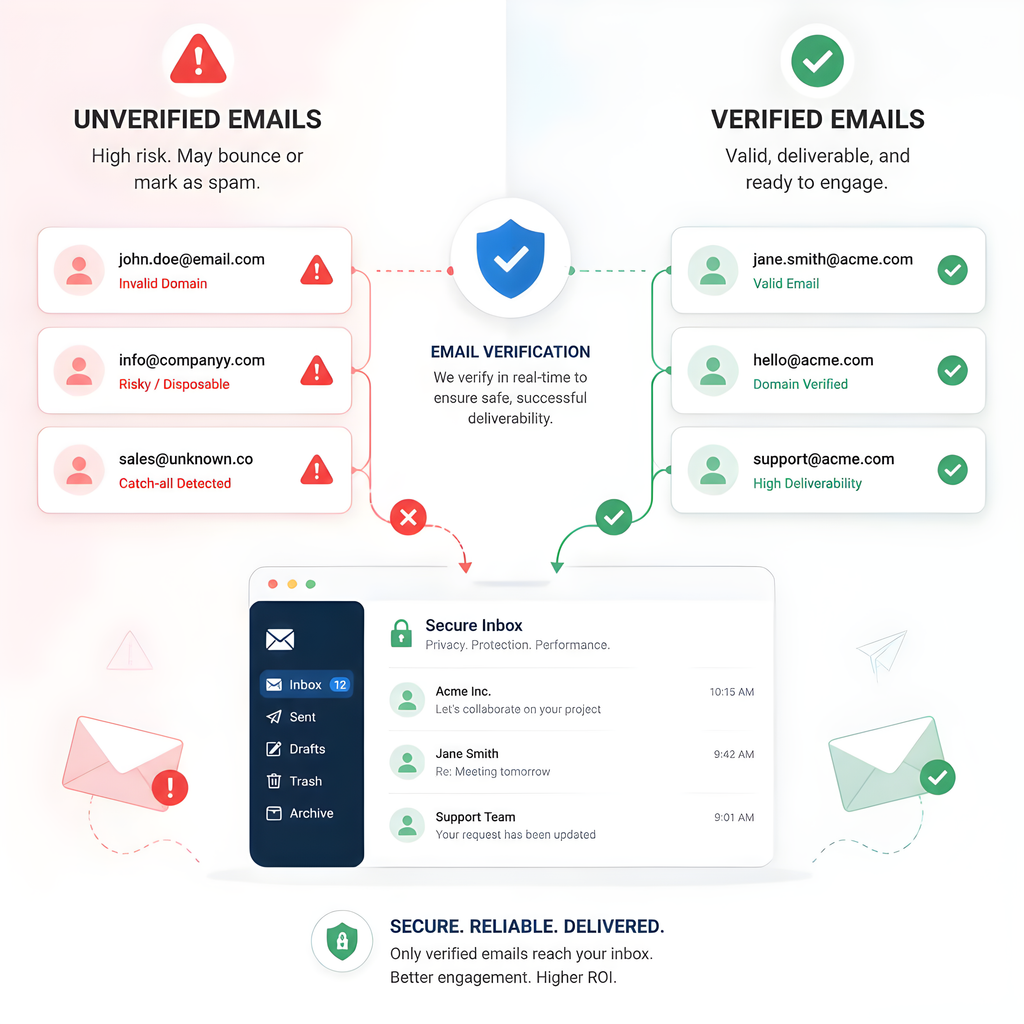
Result labels vary slightly between providers, but they generally map to these categories. These are the statuses PureListVerifier returns against every address in a list.
| Result | Meaning | What to do |
| Valid | The mailbox exists and the server accepted the check. | Send normally. |
| Invalid | The mailbox does not exist, or the domain cannot receive mail. | Remove. These are the addresses that hard bounce. |
| Catch-all (accept-all) | The domain accepts mail for every address, so the individual mailbox cannot be confirmed. | Segment separately. Send carefully and watch the bounce rate. |
| Unknown | The server did not give a clear answer, often greylisting or rate limiting. | Re-check later. Do not treat as valid. |
| Risky | Real but problematic: disposable, role-based, or complaint-associated. | Decide by case. Role accounts may matter in B2B; disposables rarely do. |
The single most useful habit here is to stop treating this as pass/fail. Invalid is a deletion. Catch-all and unknown are segmentation decisions, and they deserve their own sending strategy rather than being lumped in with confirmed-good contacts.
Why is email verification important?
It protects your sender reputation
Mailbox providers such as Gmail, Outlook and Yahoo score every sender. A high rate of messages sent to addresses that do not exist is one of the clearest signals that a sender is working from an old, bought or poorly maintained list. Once that reputation drops, delivery to your good contacts suffers too, which is why the damage always feels bigger than the number of bad addresses suggests.
It reduces hard bounces
A hard bounce is a permanent failure, the address does not exist. Verification removes most of these before they happen, which is the difference between a campaign that lands and one that gets throttled halfway through.
It stops you paying for contacts you cannot reach
Most email platforms bill by number of contacts or emails sent. Every dead address on your list is charged for exactly like a real subscriber, month after month, while returning nothing.
It makes your reporting honest
Open and click rates are calculated against the number of emails delivered. Undeliverable addresses distort those denominators, so you end up making decisions, about subject lines, send times, segments, based on numbers that were never measuring real people.
It reduces the risk of blacklisting
Spam traps are addresses that exist only to identify senders who mail without permission or without maintaining their lists. Repeatedly hitting them can get a sending domain or IP blacklisted, and recovering from that takes far longer than preventing it.
It blocks fake signups at the door
If you offer a discount, a download or a free trial, some people will use a disposable address to claim it. Verifying at the point of signup keeps those out of your database entirely, instead of leaving you to find them later.
When should you verify your email list?
- At signup, in real time. An API check on your form is the cheapest possible moment to catch a bad address, because the person is still there to correct it.
- Before any significant campaign. Particularly if you have not mailed the list recently.
- After importing any external list. Event attendee lists, partner lists and CRM exports all age quickly.
- Before re-engaging inactive contacts. Dormant segments contain the highest concentration of abandoned mailboxes.
- On a schedule. Email addresses decay continuously as people change jobs and close accounts. Quarterly suits most senders; monthly suits high-volume ones.
Bulk verification or real-time API, which do you need?
These are two delivery methods for the same underlying checks, and most senders eventually use both.
Bulk verification is a file-based job. You export your list as a CSV, upload it, and download a results file with a status against every row. It is the right tool for a list you already hold, an old database, a CRM export, a set of event registrations, and for scheduled maintenance.
Real-time verification runs through an API at the moment an address is typed. Your signup form, checkout or CRM calls the service, gets an answer in a fraction of a second, and can reject or query the address while the person is still on the page. It prevents bad data rather than cleaning it up afterwards.
A practical sequence: bulk-clean what you already have, then connect the API so the list stays clean without you thinking about it. PureListVerifier supports both methods from the same account, so the results stay consistent whichever way an address arrives.
How to verify an email list with PureListVerifier
The bulk process is the same regardless of where your list currently lives.
- Export your list as a CSV. Every email platform and CRM offers this. Include the email column and any identifier you need to match results back to your records.
- Upload the file to PureListVerifier. The email column is detected automatically, and the rest of your columns are carried through untouched.
- Let the checks run. Each address goes through syntax, domain, MX, mailbox and risk checks. Larger lists take longer, since receiving servers rate-limit connections.
- Download the results. You get your original file back with a status column added against every row.
- Act on the statuses. Delete the invalid addresses, keep the valid ones, and move catch-all and unknown into their own segments rather than mixing them with confirmed contacts.
- Re-import the cleaned file into your email platform, replacing the old list.
Keep the results file. Comparing it against your next clean shows how quickly your list decays, which tells you how often you actually need to repeat this.
How accurate is email verification?
It is worth being straightforward about this: no verification service can be one hundred per cent accurate, and any provider claiming otherwise is overselling.
Syntax, domain and MX checks are deterministic, those results are reliable. The mailbox check is where uncertainty enters, for reasons outside any provider’s control:
- Catch-all domains accept everything by design, so the individual mailbox genuinely cannot be confirmed.
- Some servers deliberately answer ambiguously to frustrate address harvesting.
- Greylisting temporarily defers unfamiliar connections, producing unknown results that resolve on a later attempt.
This is why the catch-all and unknown categories exist at all. A service that quietly reported those as valid would look more accurate and serve you far worse.
Frequently asked questions
Does email verification send an email to the address?
No. The check stops before any message is transmitted, so nothing appears in the recipient’s inbox and they are not notified.
Is email verification the same as double opt-in?
No, and they solve different problems. Verification confirms the address is deliverable. Double opt-in confirms the person genuinely wants your email. Used together they cover both technical quality and permission.
Can verification fix a damaged sender reputation?
Not by itself. Cleaning the list removes the cause, but reputation recovers gradually through consistent sending to engaged contacts. Verification stops the bleeding; rebuilding takes time.
Should I delete catch-all addresses?
Usually not. Many legitimate business domains are configured as catch-all. Keep them in a separate segment, send to them, and monitor how they bounce, real behavior tells you more than the label does.
How often do email lists go bad?
Continuously, because people change jobs and abandon accounts. The rate depends heavily on your audience, B2B lists decay faster than consumer ones, since work addresses disappear when someone leaves a company.
Is verification necessary if my list is small?
Arguably it matters more. Bounce rates are measured as a proportion, so on a list of 500 contacts a handful of dead addresses produces a worse percentage than the same number would on a list of 50,000.
How is email verification usually priced?
Almost always per address checked, bought as credits, with the price per address falling as volume rises. Credits typically do not expire, which suits the way most people verify, a large clean occasionally rather than a fixed amount every month. Compare providers on the per-address rate at your volume rather than the headline price, and check whether unknown results are charged for.
Where to start
If you have never verified your list, start with a single clean of everything you hold. Remove the invalid addresses, segment the catch-all and unknown results, and note the proportions, that first result tells you how much attention your data needs going forward.
Then move the check earlier. Verifying at the point of signup means most bad addresses never enter your database, which turns list cleaning from a recurring rescue operation into routine maintenance.
PureListVerifier handles both: bulk verification for lists you already have, and real-time checks at the point of capture.

6 comments