

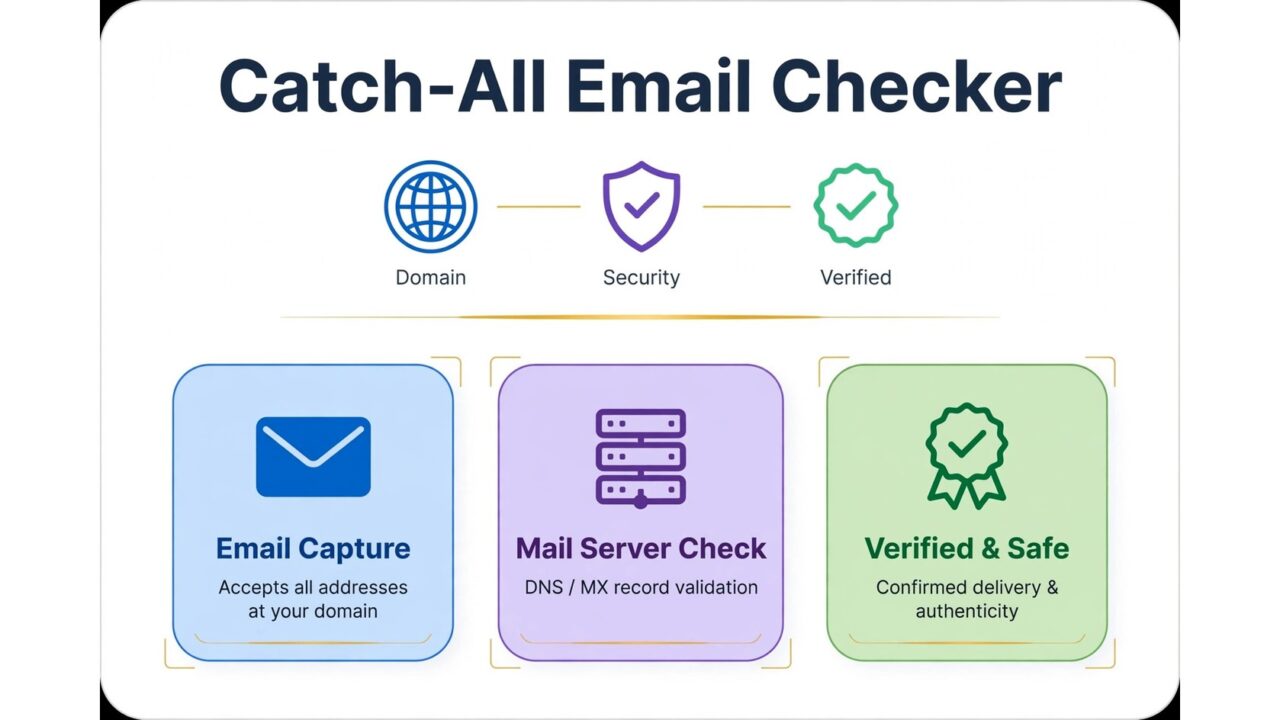
What Is a Catch-All Email Address?
Imagine you send an email to a slightly misspelled address, such as jonh@company.com instead of john@company.com. In many cases, that message bounces back with an error that says the address does not exist. On a catch-all domain, the mail server accepts the message anyway, even though no mailbox with that exact name exists. That is the core idea behind a catch-all email address.
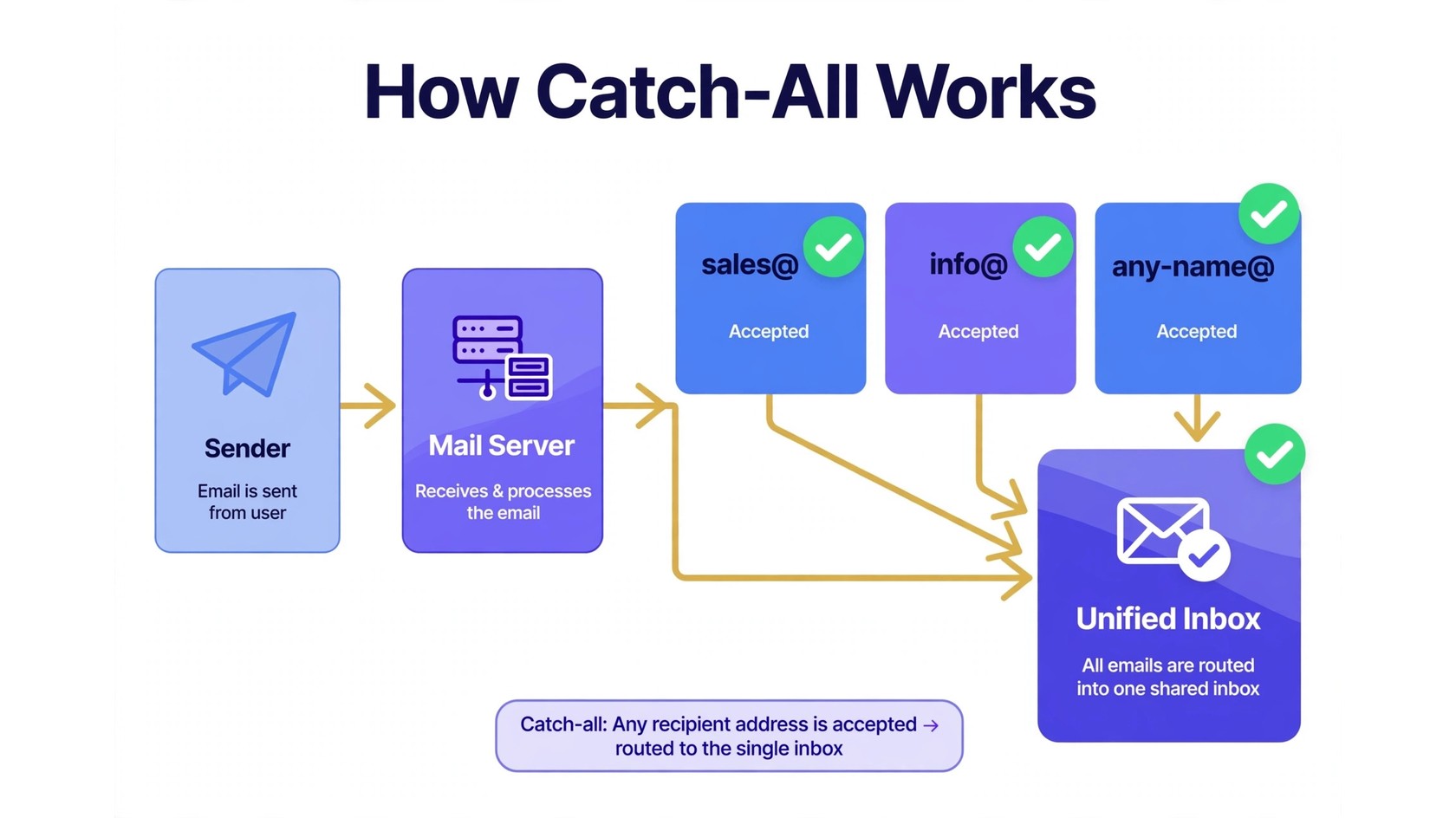
A catch-all domain is a domain whose mail server accepts mail sent to any address at that domain, whether or not a real mailbox exists for it. The messages usually land in a single default inbox, or they are forwarded to an administrator. Companies set this up so they never miss a message from a customer who mistypes a name. For senders, catch-all addresses create a blind spot, because you cannot tell from the address alone whether a real person will ever read your message.
This is where a catch-all email checker helps. It tests the domain and reports whether the domain accepts all addresses, so you can decide how to treat those contacts.
What Does Catch-All Mean in Email?
Normally, a mail server checks whether the local part of an address, the part before the at sign, matches a real mailbox. If it matches, the message is delivered. If it does not match, the server rejects the message and the sender gets a bounce. A catch-all setting changes that second step. Instead of rejecting unknown addresses, the server accepts them and routes them to a default destination.
Think of it like a reception desk. Normally, the receptionist sends you away if no such person works there. In a catch-all setup, the receptionist accepts every letter and drops them all in one big tray. From the outside, every letter looks delivered, but delivery and being read are two very different things. A valid address belongs to a real, active mailbox. A catch-all address sits on a domain that accepts everything, so its validity is unknown. An invalid address belongs to a mailbox that does not exist and will bounce.
Why Do Companies Use Catch-All Domains?
The most common reason is to catch misdirected mail. Customers mistype names all the time. A prospect might write sales@company.com when the real address is sale@company.com, or guess at a name and get one letter wrong. With catch-all enabled, that message still reaches the company instead of bouncing.
Catch-all settings also help during transitions. A company might publish team@company.com, then later switch to hello@company.com, and still want mail sent to the old address to arrive. A catch-all setup makes that change painless. It also helps during rebrands and domain moves. The problem is not that companies use catch-all. The problem is that senders cannot tell which catch-all addresses belong to real people.
Why Catch-All Addresses Are Risky for Senders
Sending to catch-all addresses feels harmless because the messages rarely bounce right away. That quiet acceptance is exactly what makes them risky. A message that is accepted but never opened does not help your campaign.
The first risk is unknown validity. On a catch-all domain, every address looks deliverable, even invented ones. You might send to a real contact, a former employee whose mailbox was deleted, and a completely made-up name, and all three messages will be accepted. Your list looks healthy, but a large share of it may never reach a real person.
The second risk is engagement. Mailbox providers watch how recipients interact with your mail. If a large share of your messages goes to addresses that never open, click, or reply, that pattern can signal low-quality sending. The third risk is spam traps. A spam trap is an address that exists to catch senders who mail to addresses they should not have, and some traps sit on domains that accept all mail. This does not mean every catch-all address is a trap. It does mean that mailing large numbers of unverified, guessed, or scraped addresses on catch-all domains is a poor idea. Read our guide on what a spam trap is and how to remove spam traps for the full picture.
The fourth risk is bounce spikes later. A domain can turn off catch-all at any time. A company might tighten its mail settings or move to a new provider. When that happens, addresses that used to be accepted can start bouncing in bulk.
How Does a Catch-All Email Checker Work?
A catch-all email checker answers one question: does this domain accept mail for any address, or only for real mailboxes? It answers by testing the domain, not by guessing from the address itself. The most common method is an SMTP probe.
SMTP is the protocol mail servers use to talk to each other. When a checker runs an SMTP probe, it connects to the receiving mail server and starts the same kind of conversation a sending server would start. For a catch-all test, the checker asks about a random, unlikely address at that domain, something no real person would own. If the server says it would accept mail for that invented address, the domain is very likely set to catch-all.
Good checkers do more than a single probe. They confirm that the domain itself is real and has working mail records, run syntax checks to catch typos, and look for disposable or temporary domains. Our guide on what email verification is walks through the full sequence. Note what a catch-all checker cannot do. It cannot confirm that a specific person exists behind a catch-all address, read the catch-all inbox, or tell you whether that person wants your mail. It moves the address from the confirmed valid bucket into the catch-all bucket, so you stop treating it as a guaranteed delivery.
What the Results Mean
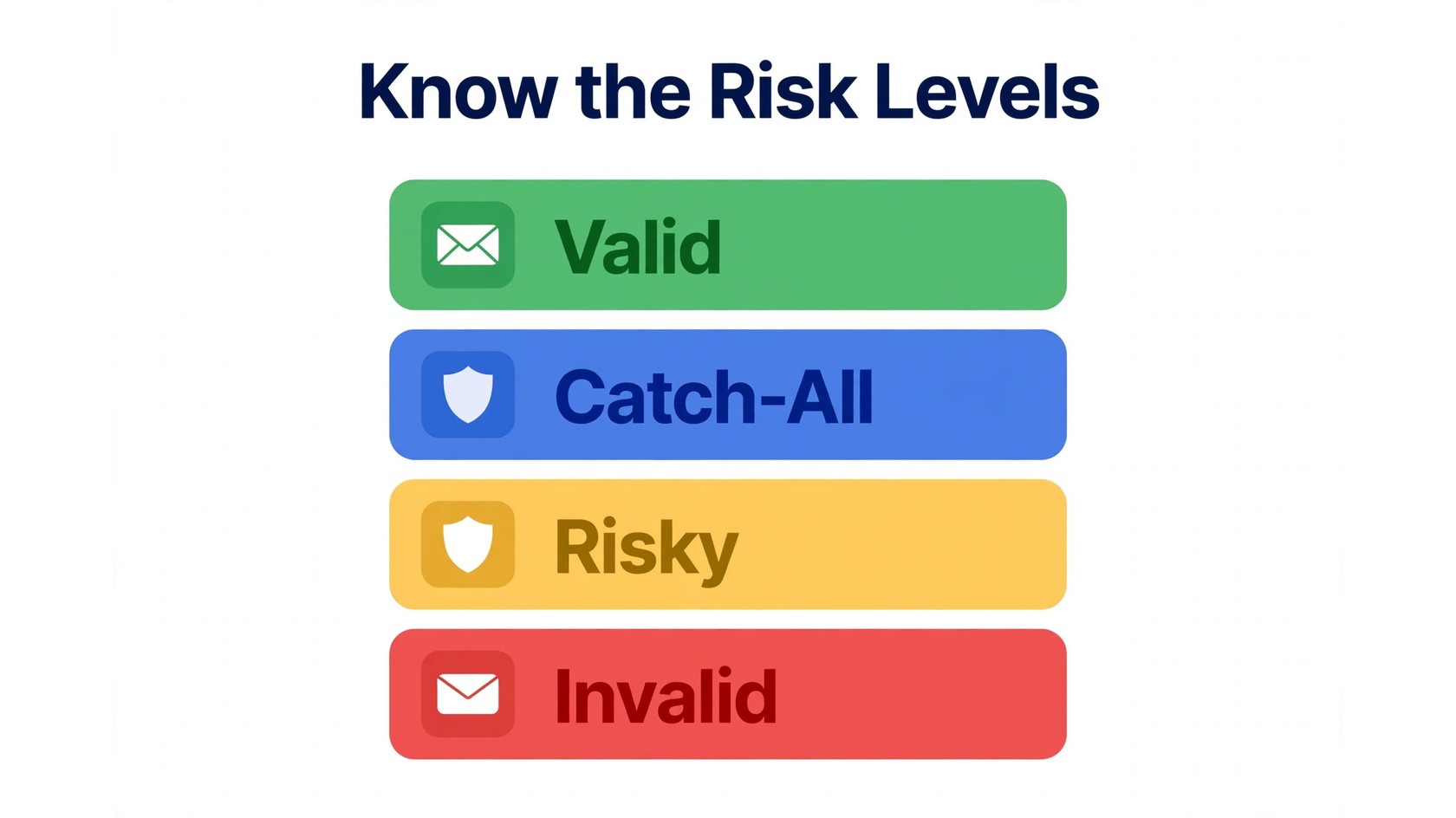
Most tools return a status for each address. A valid result means the address passed the checks and the mailbox appears to exist and accept mail. These are your safest addresses, assuming the person gave you permission. A catch-all result means the domain accepts all addresses, so the individual address cannot be confirmed. These addresses need a decision, not automatic sending.
A risky result is a broader warning. It can include role-based addresses such as info@ or support@, or addresses that passed basic checks but carry some uncertainty. An invalid result means the address failed checks, for example because the domain does not exist or the syntax is broken. Invalid addresses should be removed before you send. Our guide on email verification vs email validation explains how the labels relate, and our email deliverability terms glossary covers the wider vocabulary.
How to Handle Catch-All Addresses Safely
There is no single rule that fits every list, but these strategies work for most senders. The goal is to keep useful contacts while limiting the risk of unknown validity.
1. Segment catch-all addresses
Keep catch-all addresses in their own segment, separate from confirmed valid addresses. If the segment opens and replies at a reasonable level, it may contain real contacts worth keeping. If it stays silent, you have a clear signal to slow down or stop mailing it.
2. Prioritize consent and source
A catch-all address from a real signup is very different from one you guessed or scraped. If the person filled in a form, confirmed their address, or bought from you, the address is far more likely to belong to a real person. If it came from a purchased list or a scraped directory, the risk is much higher.
3. Send slowly and watch engagement
If you mail a catch-all segment, start small. Check opens, replies, and complaints before you expand. Inboxes that never engage are a sign that the addresses may not belong to active readers.
4. Use double opt-in for new signups
Double opt-in means a new subscriber must click a confirmation link before joining your active list. On catch-all domains, it is especially useful, because a confirmation click proves that a human received the message.
5. Clean your list on a regular schedule
Lists go stale. People change jobs, companies close mailboxes, and domains change settings. Remove invalid addresses promptly, and review catch-all segments on a schedule that fits your sending volume. Our guide on how to check if your email is blacklisted helps if delivery problems appear alongside list quality issues.
Should You Email Catch-All Addresses?
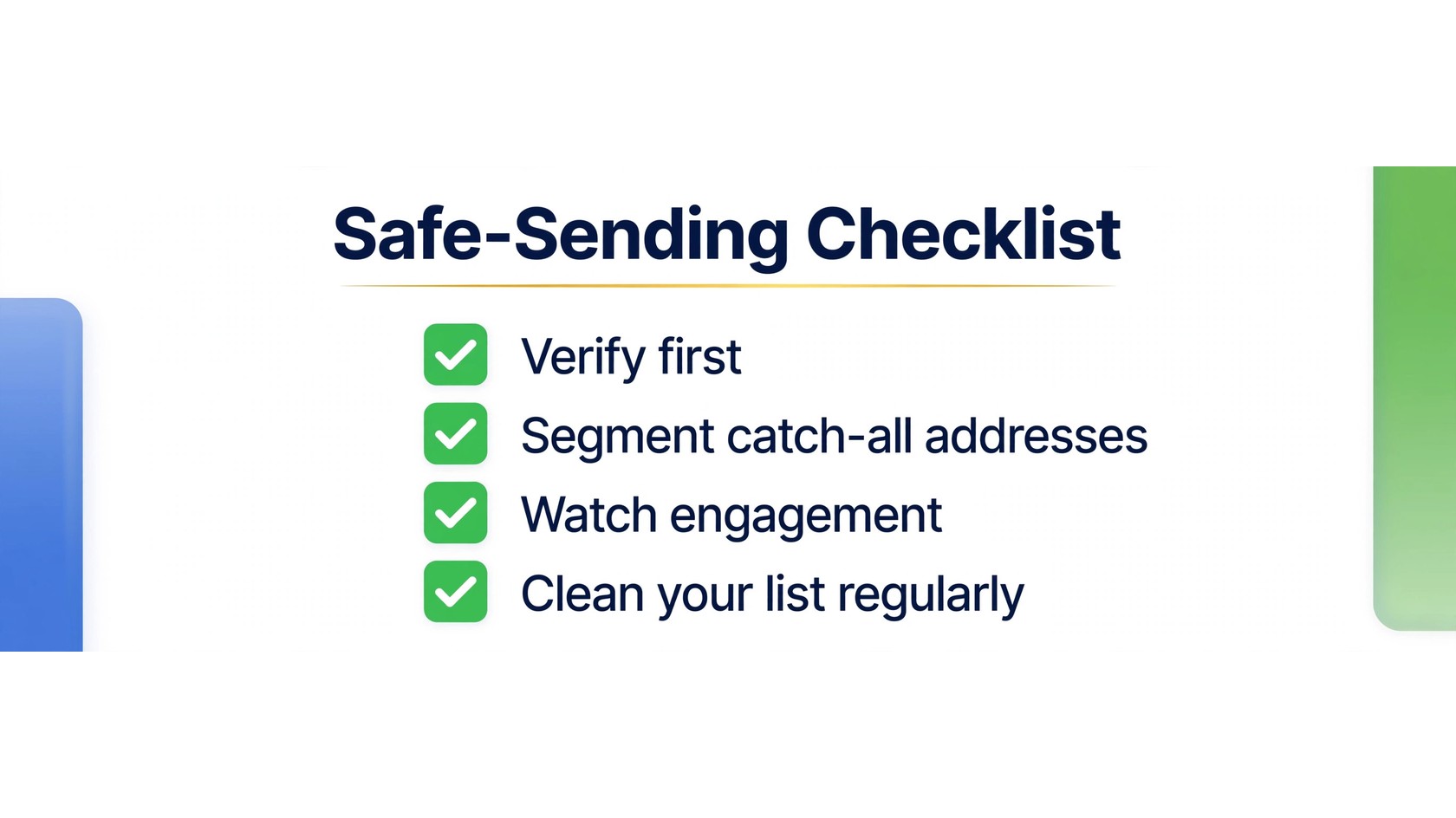
The honest answer is that it depends. A small number of catch-all addresses from real customers, with clear consent and a history of engagement, is a normal part of many lists. Mailing them in a segmented, monitored way is reasonable. A large list built from guessed or scraped catch-all addresses, with no consent and no engagement, is not reasonable. For cold outreach, be extra careful. Verify first, segment the catch-all group, send in small batches, and stop quickly if engagement is absent.
How to Use a Catch-All Checker in Your Workflow
Use a catch-all checker as part of a routine, not a one-time rescue. First, verify before you import. Before you add new addresses to your sending tool, run them through verification, remove invalid addresses, and tag catch-all and risky addresses into their own segments. Second, verify before a big campaign. Third, use real-time checks at signup when you can, so typos and disposable addresses are caught before they enter your list. You can see how this fits into a full setup on the PureListVerifier features page, and learn how the process works on the how it works page. Pricing is listed on the PureListVerifier pricing page.
Frequently Asked Questions
What does catch-all mean in email?
Catch-all means a mail server is set to accept mail sent to any address at its domain, even if no mailbox with that exact name exists. Those messages usually go to a default inbox.
Can you verify a catch-all email address?
You can verify that the domain is catch-all, but you cannot confirm that a specific person exists behind a catch-all address. A checker tests the domain, often with an SMTP probe to a random address, and reports the catch-all status.
Should I email catch-all addresses?
It depends on consent, source, and engagement. Catch-all addresses from real customers with clear permission can be mailed in a separate, monitored segment. Catch-all addresses from guessed, scraped, or purchased lists should usually not be mailed.
What is the difference between catch-all and disposable emails?
A catch-all address sits on a domain that accepts all mail, so its validity is unknown. A disposable email address is a temporary address created for short-term use. Catch-all addresses are uncertain. Disposable addresses usually stop working soon.
Does PureListVerifier detect catch-all domains?
PureListVerifier checks addresses and flags catch-all domains so you can segment those contacts instead of treating them as confirmed valid. Learn more on the features page, and see pricing on the pricing page. The FAQ page covers common questions.
Will catch-all addresses hurt my sender reputation?
A small, engaged catch-all segment is unlikely to cause a major problem. A large, unengaged catch-all segment can drag down open and reply rates, and it adds risk if the domain later turns catch-all off and starts bouncing.
How often should I re-check catch-all addresses?
Re-check before any major campaign if the list has not been verified recently, and clean on a regular schedule that fits your sending volume. Frequent senders should clean more often.
Are role-based addresses the same as catch-all addresses?
No, although they can overlap. A role-based address such as info@ or support@ belongs to a function, not a single person. A catch-all address is defined by the domain setting. An address can be both, which makes it doubly worth segmenting.
