
What an Email List Cleaning Service Actually Does
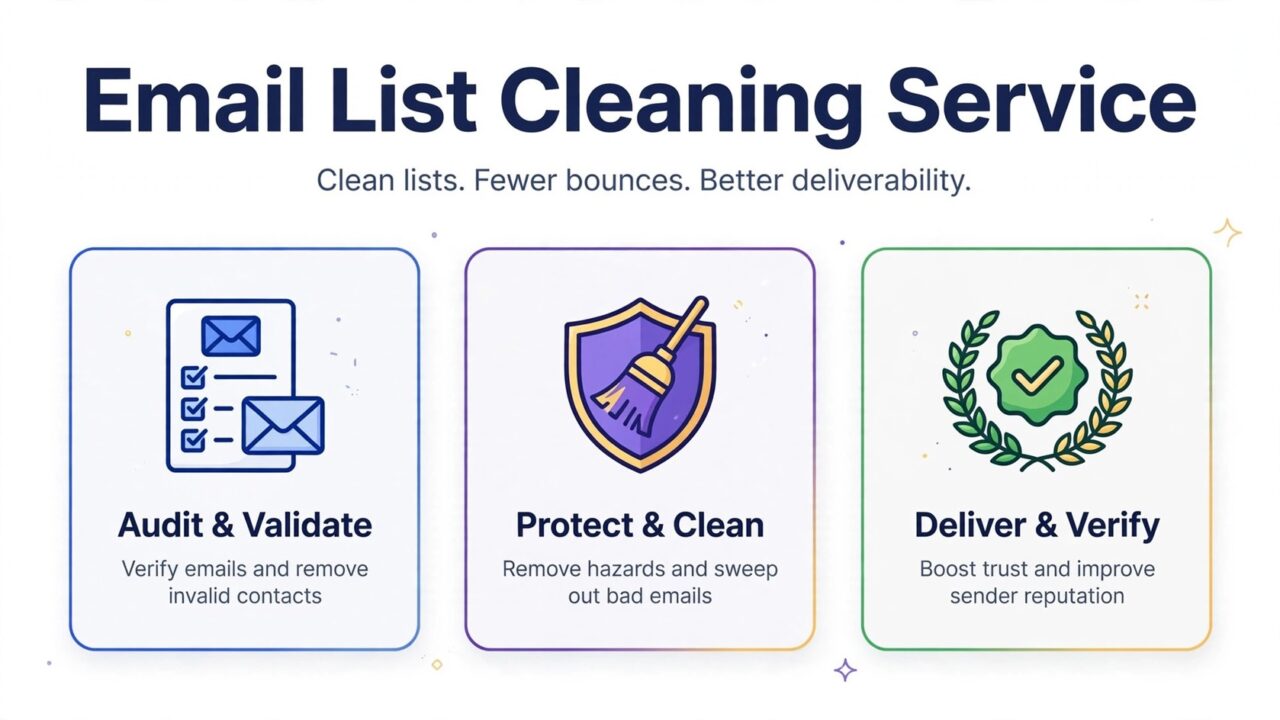
An email list cleaning service takes a list of email addresses you already own and checks each one to find out whether it is safe to send to. The output is usually a cleaned list with the bad addresses removed or flagged, plus a report showing how many addresses fell into each category. The goal is simple: send to fewer bad addresses, get fewer bounces, and protect your sender reputation.
Most services follow a similar process. You upload your list as a file, the service runs a series of checks on every address, and you download the result. Some services also offer a real time option that checks an address when someone types it into a signup form. Either way, the core job is the same: separate the addresses you can safely mail from the ones that will hurt your deliverability.
What a Cleaning Service Checks
A good cleaning service does not just check spelling. It runs several layers of checks, because an address can look fine and still be dangerous to mail. Here are the checks that matter most.
- Syntax and format. The service checks that the address follows the standard email format: a local part, an at sign, and a domain. Addresses with missing characters, spaces, or invalid symbols are rejected at this stage. This catches typos from manual entry or imports. The format rules come from the internet standard for email, documented in RFC 5321.
- Domain and mail server check. The service checks that the domain exists and has mail servers set up to receive email. If the domain does not exist or cannot receive mail, every address on that domain will bounce. This catches dead domains and mistyped company names.
- Disposable and temporary addresses. Some people sign up with a throwaway address that works for a few minutes and then disappears. These addresses inflate your list and never turn into real subscribers. A cleaning service flags disposable domains so you can remove them.
- Role-based addresses. Addresses such as info, support, sales, or admin at a company domain usually go to a shared inbox or a team, not to one person. They rarely engage, and they often generate complaints. A cleaning service flags them so you can decide whether to keep them.
- Catch-all addresses. Some domains accept mail for any address, even addresses that do not exist. A basic check cannot confirm whether a specific address on a catch-all domain is real. A cleaning service flags catch-all addresses as risky so you can treat them separately.
- Spam traps. A spam trap is an address that exists to catch senders who mail lists they should not be mailing. Hitting one can damage your reputation. A cleaning service checks your list against known trap patterns and flags risky addresses. You can read more in our guide on what a spam trap is.
- Duplicate and malformed entries. Most lists contain duplicates, blank rows, and entries that are not email addresses at all. Cleaning removes them so you do not send the same message twice to the same person.
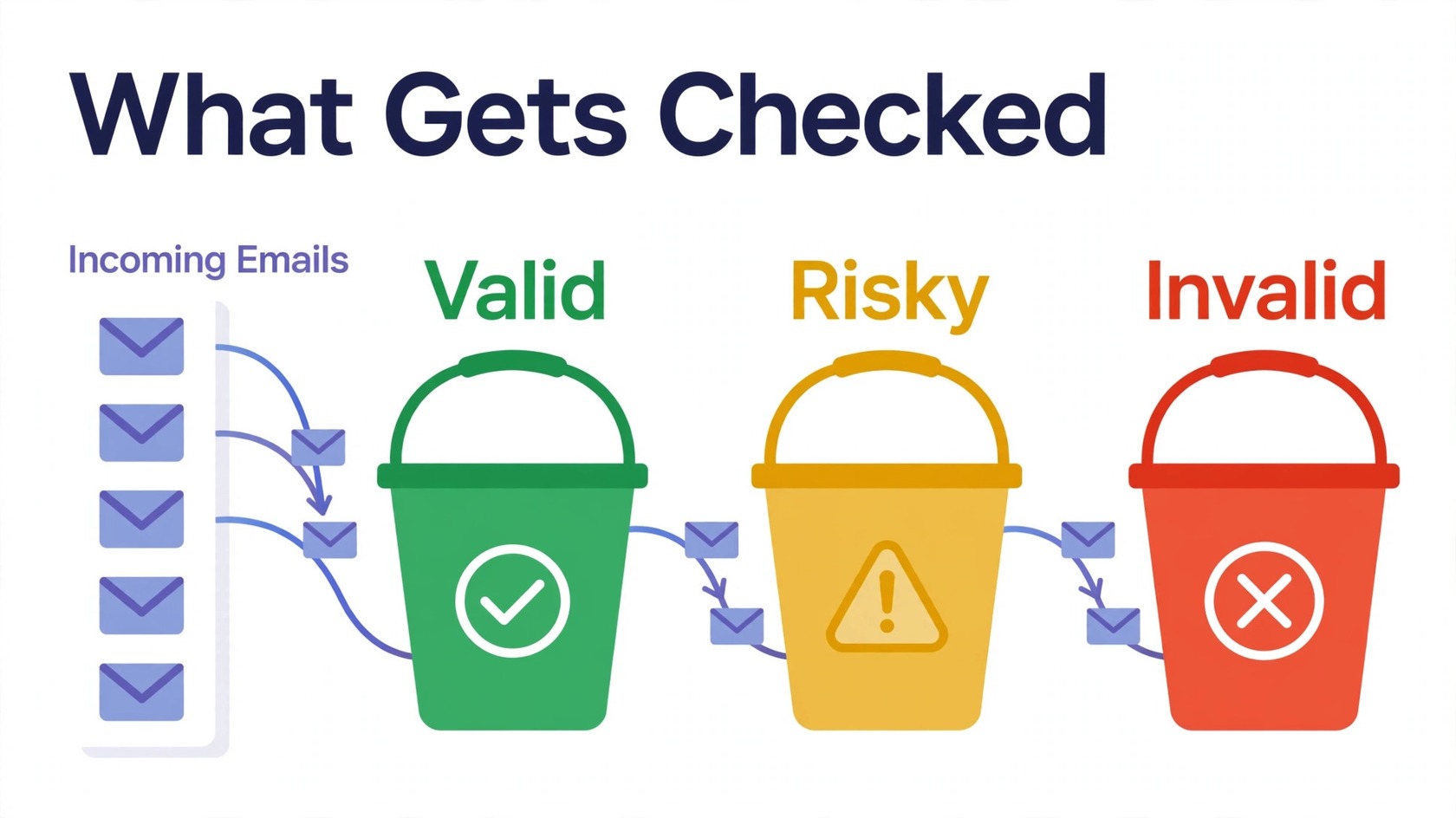
The result is a list sorted into groups: valid, risky, and invalid. Valid addresses passed every check. Invalid addresses failed one or more checks and should not be mailed. Risky addresses passed the basic checks but carry a warning, such as catch-all or role-based. You decide how to handle the risky group, and a good service gives you the detail to decide.
Cleaning vs Verifying: Are They the Same Thing?
People often use list cleaning and email verification to mean the same thing, and in practice the two overlap a great deal. Verification usually refers to the technical checks on a single address: syntax, domain, mail server, and mailbox status. Cleaning usually refers to the whole process applied to a full list, including removing duplicates, flagging risky categories, and returning a send-ready file. For most buyers, the distinction does not matter much. What matters is which checks the service performs and what the report tells you. If you are comparing services, ask for the exact list of checks rather than relying on the label.
What a Cleaning Service Cannot Do
A cleaning service is a maintenance tool, not a repair tool. It cannot fix the underlying reasons your list went bad, so understand its limits before paying.
First, it cannot fix bad acquisition. If you bought a list, scraped addresses, or collected signups without confirmation, cleaning will remove the worst addresses, but it will not turn those contacts into people who want your mail. Sending to people who never asked for your mail still produces complaints and unsubscribes, even after cleaning.
Second, it cannot recover a burned domain. If your sending domain already has a poor reputation from past bounces and complaints, a clean list helps you stop the damage, but it does not erase the history. Reputation recovery takes time, consistent good sending behavior, and following sender best practices such as those in Google’s email sender guidelines.
Third, it cannot guarantee inbox placement. A clean list improves your odds, because bounces and complaints are two signals mailbox providers watch. But inbox placement also depends on your content, sending frequency, authentication setup, and how recipients engage with your mail. Any service that promises a specific inbox placement result is promising something it cannot control.
Fourth, it cannot confirm that every valid address belongs to an engaged subscriber. An address can be deliverable and still belong to someone who never opens your mail. Cleaning removes the undeliverable addresses. Re-engagement and segmentation are separate jobs that come after.
Doing It Yourself vs Hiring a Service
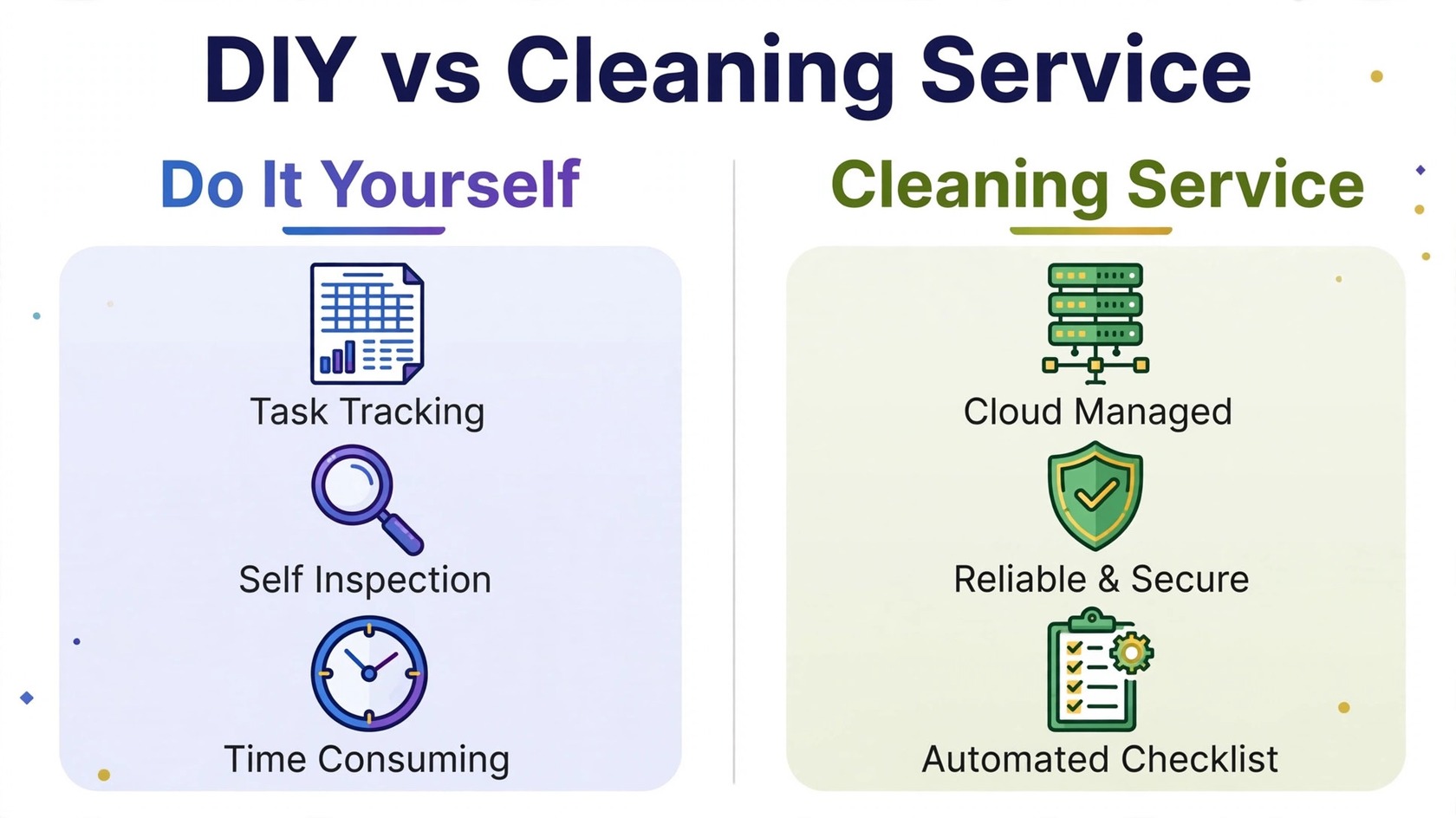
You can do some list maintenance yourself, and for a very small list that may be enough. You can remove obvious typos, delete duplicates in a spreadsheet, and remove addresses that bounced in your last campaign. You can also set up double opt-in so new subscribers confirm their address before joining. These steps cost nothing and they help.
What you cannot easily do yourself is the server level checking. Confirming whether a mail server accepts a specific address, detecting catch-all domains, and identifying spam trap patterns require specialized tools and infrastructure. Doing it by hand for thousands of addresses is slow, and sending test messages to check addresses looks like spam behavior to mailbox providers. A service does this work at scale, without you sending a single test email. For a list of any real size, the time saving alone usually justifies the service.
What to Look for When You Choose a Service
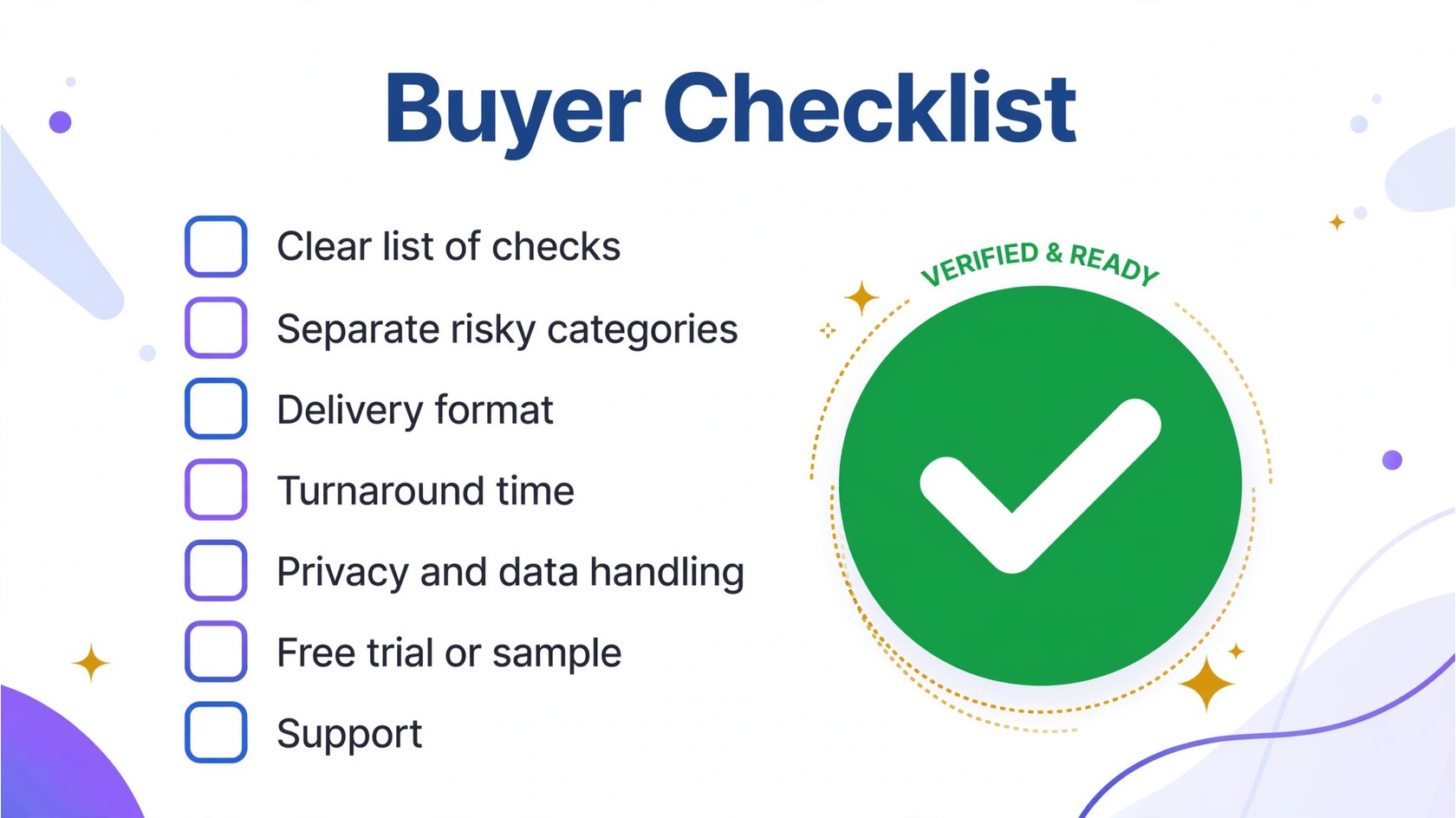
Not every cleaning service performs the same checks, and the differences show up in your results. Use this checklist to compare options.
- A clear list of checks. The service should tell you exactly what it checks: syntax, domain, mail server, disposable, role-based, catch-all, and spam trap detection. If the website only says it “cleans your list” without explaining how, ask for details before paying.
- Separate risky categories. A useful report does not just say good or bad. It separates risky addresses into their own group, with a reason for each flag, so you can decide what to do. A service that deletes risky addresses without telling you is hiding information you need.
- Delivery format. Most services return a cleaned file you can import into your sending platform, plus a summary report. Check that the file format matches what your platform accepts, and that the report is easy to read.
- Turnaround time. Ask how long a typical cleaning job takes for a list your size, and whether a faster option exists. Turnaround varies by list size, queue, and the depth of checks performed.
- Privacy and data handling. You are handing over your subscriber list, which is valuable data. Check how the service stores your upload, how long it keeps it, and whether it shares data with third parties.
- Free trial or sample. Many services let you test with a small sample before you commit. A sample run shows you the report format and the categories it returns, which is the best way to compare two services.
- Support. If a result looks wrong, you need a human to explain it. Check whether the service offers support by email or chat, and whether its help pages explain each category.
How Pricing Usually Works
Most list cleaning services charge based on the number of addresses you check. Common models include pay per list, credits that you use as you clean, and monthly plans for teams that clean on a regular schedule. The right model depends on how often you clean. If you clean once or twice a year, a per list model may fit. If you clean before every campaign, a plan may be simpler. Compare the total cost for your list size and cleaning frequency, not the headline rate alone. For how verification pricing is structured in general, see our guide on email verification pricing. If you want to try cleaning with PureListVerifier, review the options on the pricing page and see how the service works on the how it works page.
How to Prepare Your List Before You Send It for Cleaning
A little preparation makes the cleaning job faster and the report clearer. First, export your list from your sending platform or CRM as a CSV file. Second, remove addresses you already know are bad, such as hard bounces from your last campaign and anyone who unsubscribed. Third, keep one address per row and one list per file, so the report maps cleanly back to your records. Fourth, note which segment the list came from, so you can compare results across segments. Lists decay as people change jobs and abandon old addresses, so regular cleaning matters more than a single cleanup. Our guide on email list decay rate explains why lists go stale, and our guide on how often to clean your email list helps you set a schedule that fits your sending volume. If you have questions about a specific result, the frequently asked questions page covers the common cases.
Frequently Asked Questions
What does an email list cleaning service do?
An email list cleaning service checks every address on your list for problems such as bad syntax, dead domains, disposable addresses, role-based addresses, catch-all setups, and spam traps. It returns a cleaned list with invalid addresses removed or flagged, plus a report showing how many addresses fell into each category, so you mail only addresses that are safe to send to.
How often should I use a list cleaning service?
It depends on how fast your list grows and how often you send. A common rhythm is to clean before every large campaign and on a regular schedule in between, such as every few months. Lists that grow through website signups need cleaning more often than small stable lists. The right schedule keeps your bounce rate low without adding unnecessary work.
Can a cleaning service fix a bad sender reputation?
No. A cleaning service stops further damage by removing the addresses that cause bounces and complaints, but it does not erase an existing poor reputation. Recovery requires consistent good sending behavior over time: clean lists, confirmed subscribers, proper authentication, and content recipients actually want. Cleaning is one part of recovery, not the whole fix.
What is the difference between cleaning and verifying?
Verification usually refers to the technical checks on a single address, such as syntax, domain, and mail server checks. Cleaning usually refers to the full process applied to a whole list, including verification plus removing duplicates, flagging risky categories, and returning a send-ready file. In practice the terms overlap, so ask any service exactly which checks it performs rather than relying on the label.
Does PureListVerifier offer list cleaning?
Yes. PureListVerifier checks addresses through several stages, including syntax, domain, mail server, and mailbox status, and flags risky categories such as catch-all, disposable, and role-based addresses. Review the details on the features page and the options on the pricing page.
