

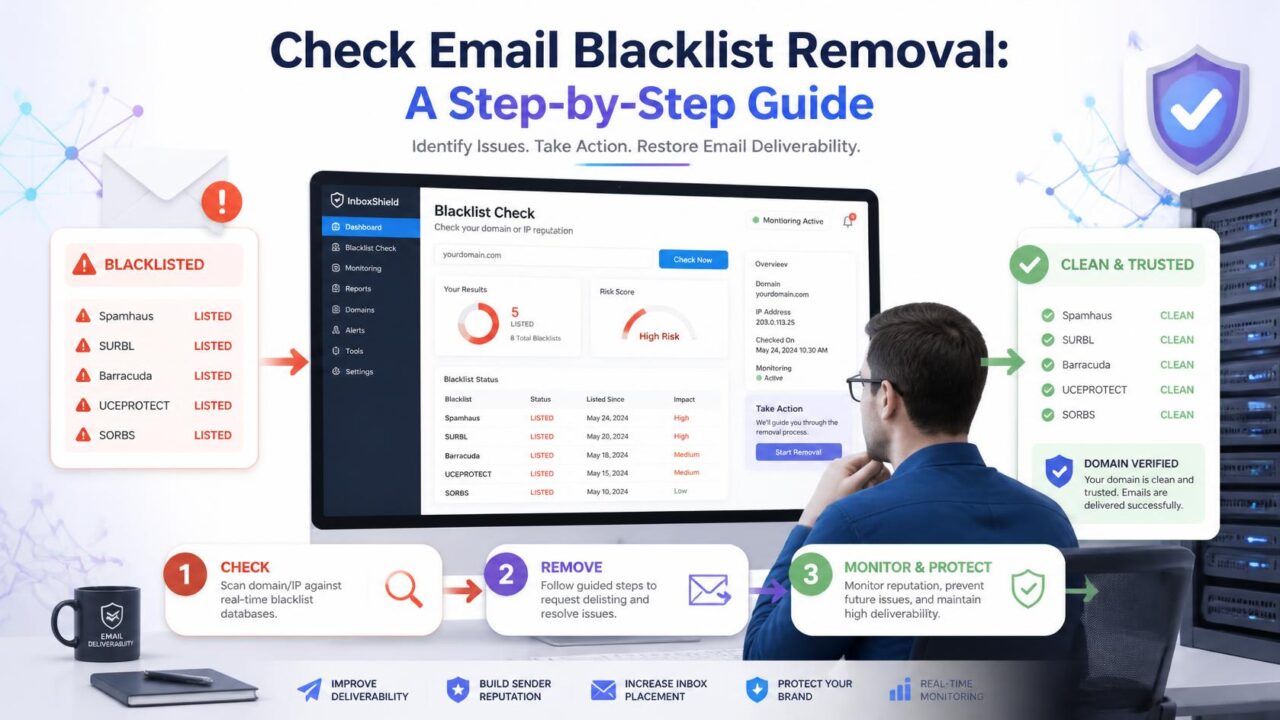
Nobody notifies you when you land on an email blacklist. The first sign is usually a sudden, unexplained drop in delivery, sometimes across your whole list, sometimes just to one provider. Here’s how to actually confirm it and the real steps to get removed once you have.
Quick answer: run your domain and IP through a free multi-blacklist checker like MXToolbox to confirm whether you’re actually listed and which specific blacklists have flagged you. Fix the underlying cause, usually a bounce or complaint spike, before requesting removal, since requesting too early just gets you relisted. Automatic removals can clear in a day or two once the cause is fixed; manual reviews can take up to a couple of weeks.
Who actually runs blacklists, and why
Blacklists aren’t run by mailbox providers themselves, at least not the major public ones. They’re typically maintained by independent anti-spam organizations that operate networks of spam traps and honeypots specifically to catch senders with poor practices, then publish the resulting list for any mail server operator to use, free or via subscription. Mailbox providers and mail server administrators choose which blacklists, if any, to check against, and how strictly to act on a match, reject outright, filter to spam, or simply factor it in alongside other signals. This is part of why being on one blacklist doesn’t affect every provider equally: it entirely depends on which specific lists a given mail server has chosen to trust and how heavily it weighs a match.
What a blacklist actually is
A blacklist, also called a blocklist, is a list maintained by an anti-spam organization or mailbox provider that flags domains and IP addresses known for sending unwanted or harmful email. Some receiving mail servers check incoming mail against these lists automatically and reject or filter anything that matches, before it ever reaches a spam-filtering step specific to that provider.
There isn’t one single blacklist. Dozens exist, run by different organizations, and they don’t all carry the same weight. Some are checked by a huge share of mail servers worldwide; others are smaller and more specialized, and being listed on one of those has far less practical impact than a major one.
How to actually check if you’re listed
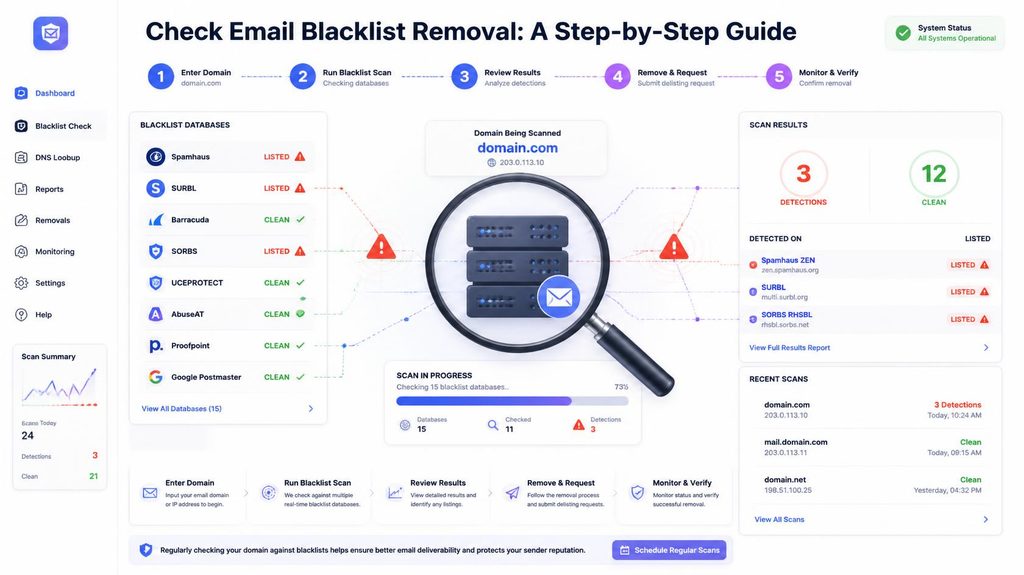
The fastest way is a free multi-blacklist checker like MXToolbox’s blacklist check, which tests your domain or IP against dozens of major blacklists at once and tells you exactly which ones, if any, have flagged you. Run this the moment you suspect a delivery problem, since it takes under a minute and gives you a definitive yes or no rather than a guess.
How do you know something’s wrong before you even check?
- A sudden, sharp drop in delivery or open rate with no other explanation
- Bounce messages that specifically mention being blocked, blacklisted, or on a “reputation” list, rather than a normal invalid-address bounce
- Delivery problems concentrated at one specific provider rather than spread evenly across your whole list
- A notice from your email service provider flagging a deliverability or reputation issue on your account
A real scenario, start to finish
Picture a company that imports a list of 15,000 contacts from a recent trade show and sends a campaign to all of them the same day without checking it first. Bounce rate on that send comes in at 9%, well above normal, and within 48 hours, delivery to the rest of their regular list starts failing too. A blacklist check confirms it: their sending IP has been listed by a major blocklist. The cause traces back directly to the trade show import, a meaningful share of the badges scanned were never real, working addresses. The fix isn’t just requesting removal, it’s checking the entire imported list, removing what’s dead, and only then submitting a removal request, followed by a cautious, gradual return to normal sending volume rather than resuming at full speed immediately.
The bounce rate numbers that actually trigger this
Bounce rate is worth putting in perspective, since it’s the single most common trigger behind a blacklisting. Industry benchmark data generally puts a healthy bounce rate at under 2%, with the cross-industry average sitting closer to 1.2% for genuinely well-maintained lists. Teams with poor list hygiene, unchecked imports, old purchased data, lists that haven’t been touched in years, regularly see bounce rates in the 5-10% range or higher, and that’s squarely the territory where blacklisting risk becomes real rather than theoretical. The trade-show example above, at 9%, sits well past where most blacklist-triggering thresholds start to bite.
Why you ended up blacklisted
Blacklisting is a consequence, not a random event. The most common causes are a spike in bounces from an unchecked or old list, a sudden jump in spam complaints, hitting one or more spam traps, or, on a shared IP, another sender using the same IP behaving badly. Knowing which of these applies to you matters, because it decides what you actually need to fix before requesting removal.
Steps to actually get removed
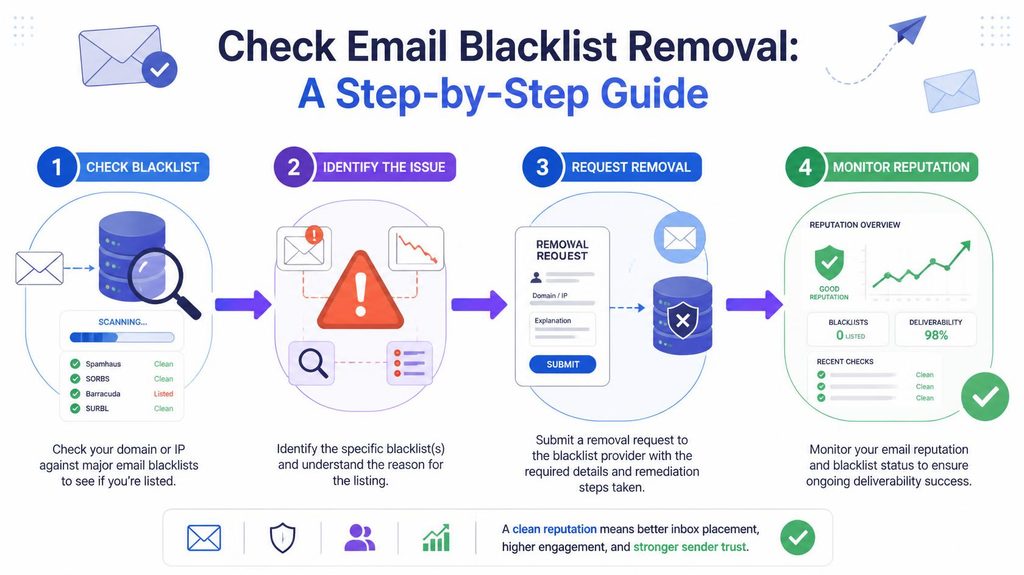
- Confirm exactly which blacklist(s) you’re on, using a checker like the one above. Each blacklist has its own removal process, so you need to know specifically which ones apply.
- Fix the underlying cause first. Requesting removal before fixing what got you listed usually results in getting relisted shortly after, sometimes within days.
- Check your list and remove anything that could be generating bounces or triggering complaints, since this is the most common root cause.
- Review your recent sending for a volume spike, a bad import, or content that could have triggered spam-pattern detection.
- Visit each blacklist’s own removal page and follow their specific process, which usually involves submitting your domain or IP for review once you believe the issue is fixed.
- Wait for the review, which can take anywhere from a few hours to a couple of weeks depending on the blacklist. Some review automatically; others require manual review by a person.
- Resume sending gradually once removed, rather than immediately going back to full volume, similar to warming up a new domain.
The major blacklists worth knowing by name
You don’t need to memorize dozens of blacklist names, but a handful come up often enough to be worth recognizing when a checker flags them, since they’re checked by a large share of mail servers worldwide and carry real practical weight. Spamhaus is generally considered the most influential, and a listing there is worth treating as urgent. Others with wide reach include Spamcop and Barracuda’s reputation block list. If a checker flags you on a name you don’t recognize among dozens of smaller, more obscure lists, it’s reasonable to prioritize the well-known ones first and treat the smaller listings as lower urgency.
How long does removal actually take?
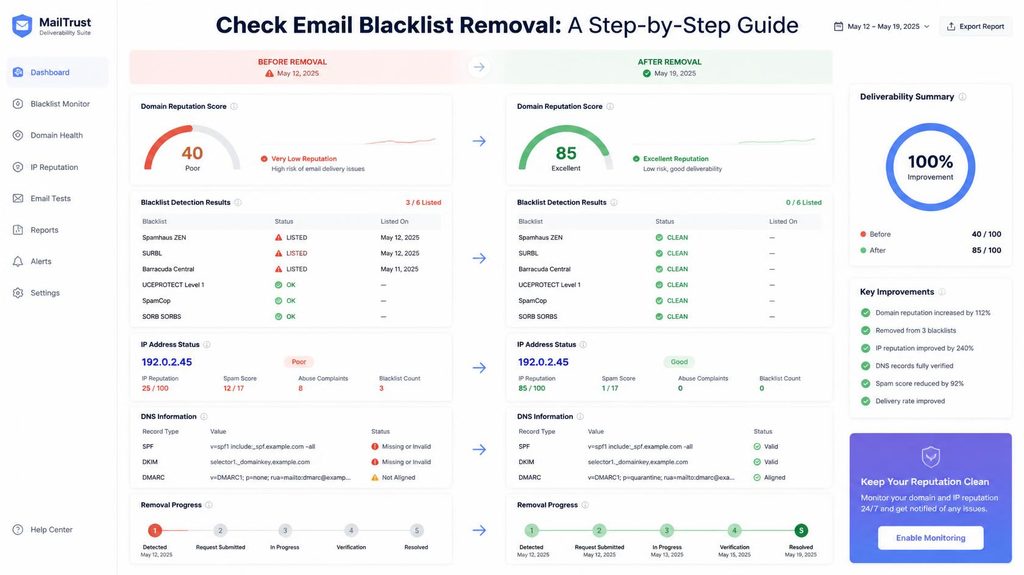
It varies significantly by which blacklist you’re on. Some major blacklists remove automatically once their system detects the underlying issue has stopped, sometimes within 24 to 48 hours. Others require a manual removal request and human review, which can take anywhere from a few days to a couple of weeks. Submitting a removal request before you’ve actually fixed the cause is the most common reason removal takes longer than it should, since you’ll likely be relisted and have to start over, effectively resetting the clock on the whole process.
Can you get blacklisted even with a genuinely clean list?
Yes, particularly on a shared IP, where another sender’s behavior can get the whole IP listed regardless of how careful you’ve personally been. It can also happen from a single spam trap hit, even on an otherwise well-maintained list, since one trap can carry more weight than a large number of ordinary bounces. Being blacklisted isn’t always proof of bad practices on your specific part, but it’s still worth ruling your own list out first, since it’s the most common and most fixable cause.
Do all blacklists matter equally?
No. A handful of major blacklists are checked by a large share of mail servers worldwide and have a real, measurable impact on delivery. Many smaller, more obscure ones are checked by far fewer servers, and being listed on one of those alone may have little to no practical effect on your actual delivery. A good blacklist checker will show you which lists you’re on, so you can prioritize the ones that actually matter rather than treating every listing with equal urgency.
How to avoid landing on a blacklist again
- Check any list before its first send, especially imports, purchased data, or lists you haven’t used in a long time, rather than discovering problems after they’ve already generated bounces.
- Watch your bounce and complaint rates after every send, not just when something feels obviously wrong, so a small rise gets caught before it becomes a listing.
- Warm up new domains and IPs properly rather than sending at full volume immediately, since sudden volume spikes from unfamiliar senders are exactly the pattern blacklist operators watch for.
- Set a regular list-checking schedule rather than only checking reactively after a problem, since a list quietly ages between checks even if you never touch it.
- Keep an eye on your standing with major blacklists periodically, even without a specific reason to suspect a problem, since catching an early listing before it fully affects delivery gives you more time to fix it calmly.
Frequently asked questions
How do you know if you’ve been blacklisted?
There’s usually no direct notification. Watch for a sudden, unexplained drop in delivery, bounce messages mentioning being blocked or blacklisted, or problems concentrated at one specific provider, then confirm with a blacklist checking tool.
How long does blacklist removal actually take?
It ranges from a day or two for automatic removal on some lists, to a couple of weeks for others requiring manual review. Fixing the underlying cause before requesting removal is what keeps this on the shorter end.
Can you get blacklisted even with a clean email list?
Yes, especially on a shared IP where another sender’s behavior can affect you, or from a single spam trap hit. It’s still worth checking your own list first, since it’s the most common and most fixable cause.
Do all email blacklists matter equally?
No. A small number of major blacklists are checked widely and have real impact. Many smaller ones are checked by far fewer mail servers and may have little practical effect on their own.
Which blacklists matter most if you’re flagged on several at once?
Prioritize well-known, widely-checked lists like Spamhaus, Spamcop, and Barracuda’s block list first, since they’re checked by a large share of mail servers worldwide. Smaller, less recognized listings can generally wait.
Can you speed up a manual blacklist review?
Not usually beyond making sure your removal request is complete and accurate the first time, and that the underlying cause is genuinely fixed before you submit it. An incomplete or premature request is the most common reason reviews take longer than expected.
Where to start
Run a blacklist check the moment you notice an unexplained delivery drop, and check your list at the same time, since bad addresses are the most common thing behind a listing. PureListVerifier removes exactly the kind of dead and risky addresses that most often lead to this problem in the first place.
