

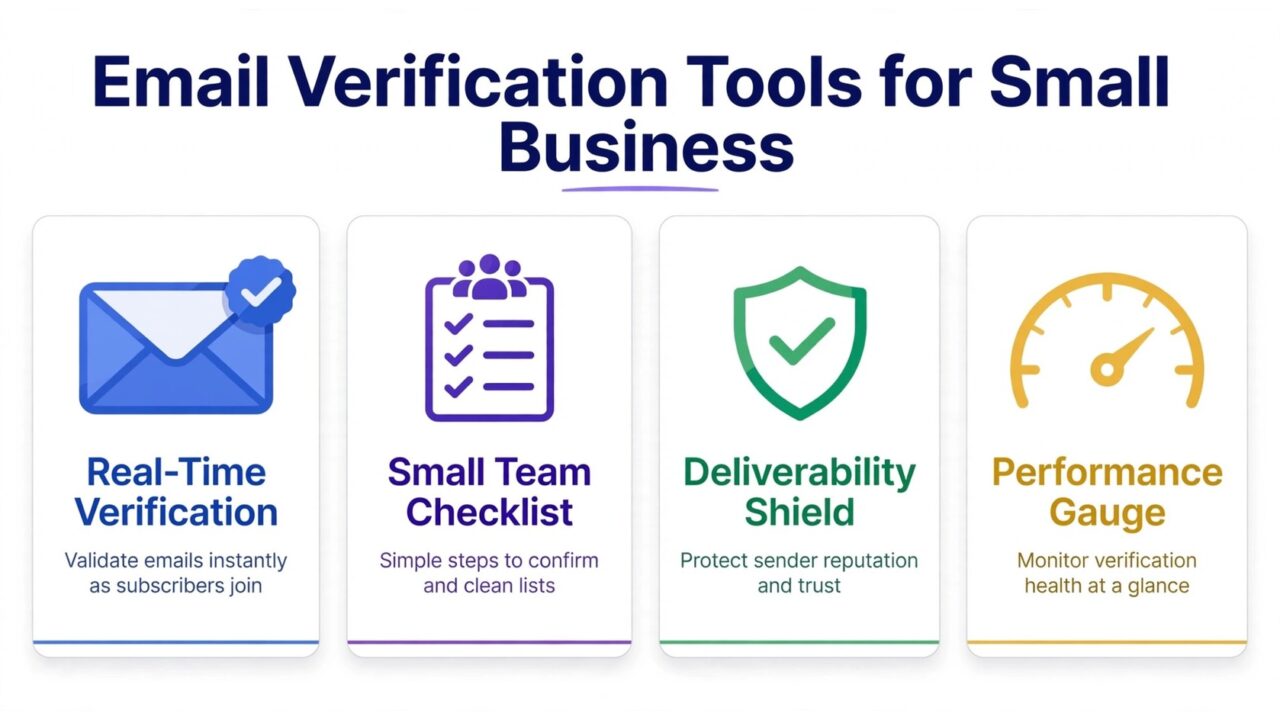
What Small Teams Actually Need From a Verification Tool
A small business does not need the same email verification setup as a company sending millions of messages a month. It needs something simpler: a tool that checks a list before a campaign goes out, catches the addresses that will bounce, and does it without a long setup, a contract, or a learning curve. If your list has a few hundred or a few thousand contacts, the job is not scale. The job is confidence. You want to know, before you press send, that most of the addresses on your list can actually receive mail.
That difference matters because most verification tools are marketed toward large senders. Their pages talk about enterprise throughput and advanced routing. A small team reading those pages can end up paying for capacity it will never use, or skipping verification entirely because everything looks too complicated and too expensive. The right tool for a small business is the one that fits how a small team actually works: a list built by hand or exported from a CRM, a campaign sent a few times a month, and one person doing the marketing alongside everything else.
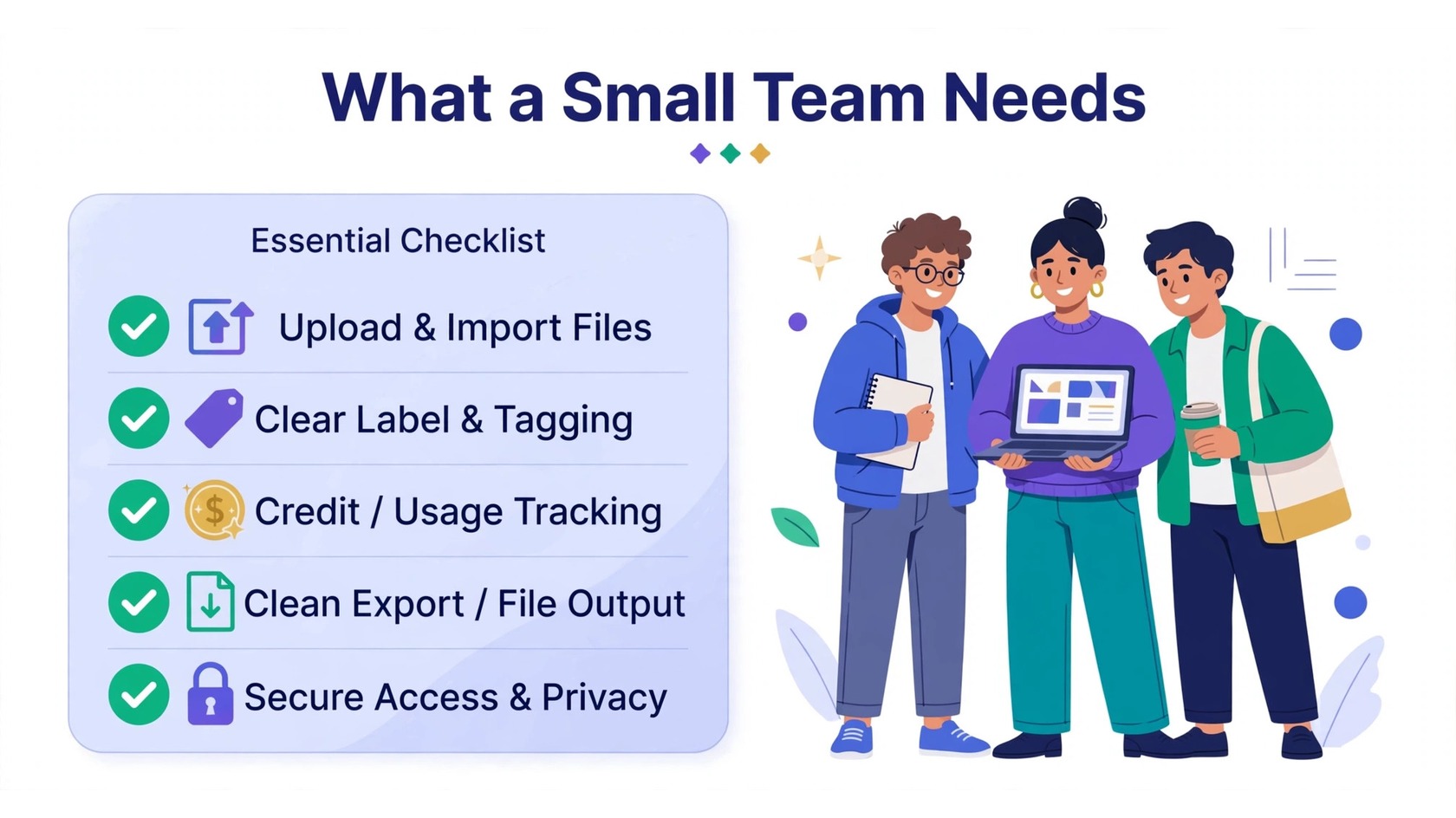
The Checks That Matter, and the Ones You Can Skip
Every verification tool runs a series of checks on each address. The core checks are the ones that protect a small sender, and they are worth understanding before you compare tools. First, syntax: does the address follow the basic format of a valid email address, with one @ sign and a plausible domain? Second, domain: does the domain exist and can it receive mail? A domain with no mail server attached cannot receive anything, no matter how correct the address looks.
Third, the mail server response: the tool asks the receiving server whether it will accept mail for that address. This is the check that catches most dead addresses, because a server that says the mailbox does not exist is giving you a clear answer. Fourth, risky categories: the tool flags addresses that are technically deliverable but risky to mail, such as catch-all domains that accept everything, disposable addresses that expire, and role-based addresses such as info@ or support@ that rarely belong to one person.
What can a small team skip? Anything that assumes a developer is on staff. Real-time API verification, webhooks, and custom integrations are useful for a business that collects emails through its own signup forms at volume. If your list comes from a spreadsheet, a CRM export, or a signup form inside your email platform, a simple bulk upload is all you need.
Pay-As-You-Go vs Subscription: Which Fits a Small Team
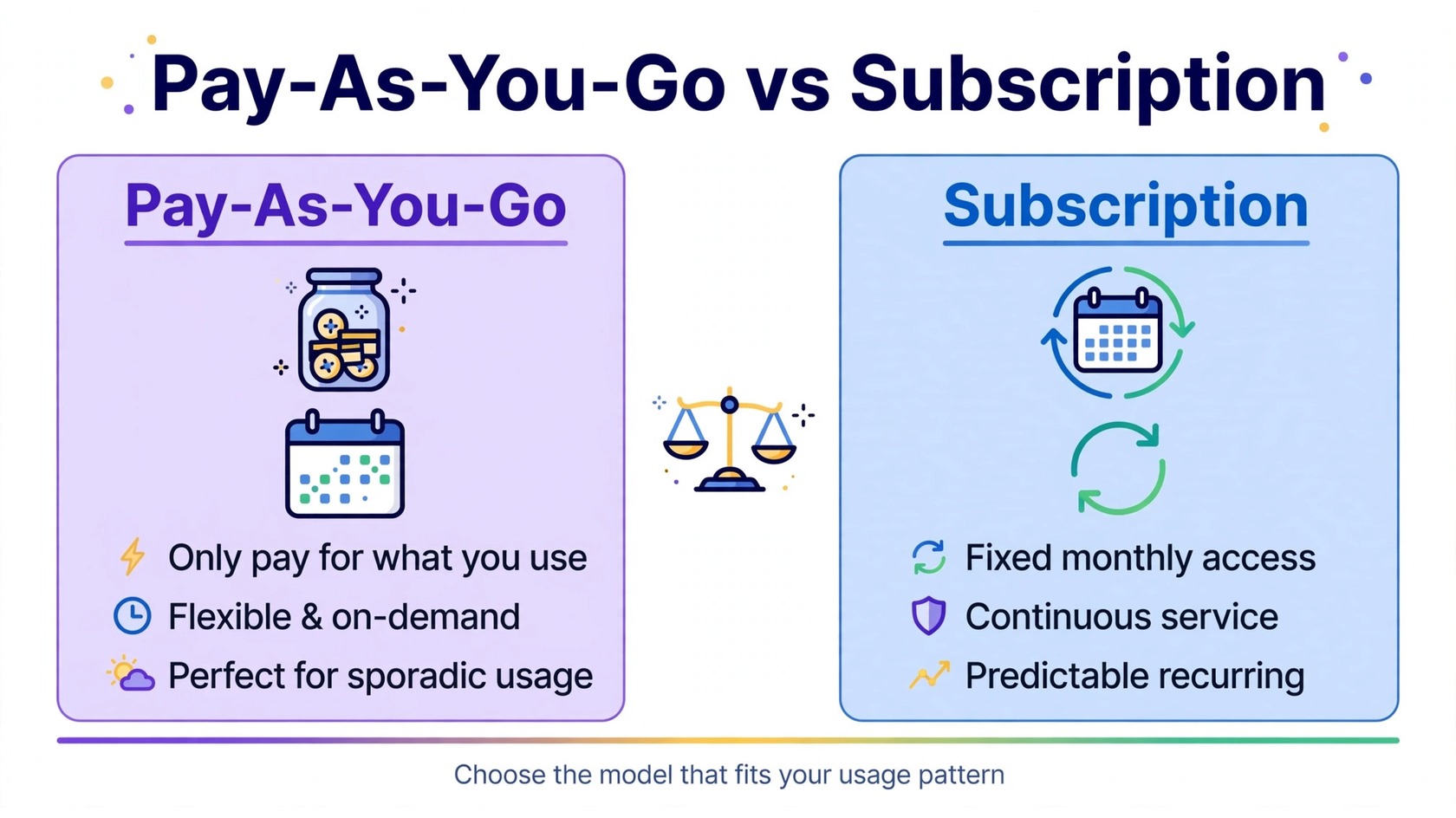
Verification tools generally sell credits in two ways. Pay-as-you-go means you buy a block of credits and use them whenever you verify a list, with no monthly fee. A subscription means you pay each month for a set number of credits, and unused credits may or may not carry over. For a small business, the right model depends on how often you verify, not on which model looks cheaper at first glance.
Pay-as-you-go fits teams that verify in bursts. If you clean your list before a seasonal campaign or a product launch, you may go weeks without verifying anything. With pay-as-you-go, you buy credits when you need them and nothing ticks over while you are not using them. A subscription fits teams that verify on a steady schedule, for example every week before a regular send, because the monthly allowance matches a predictable habit. If your sending is irregular, a subscription can quietly charge you for months you barely use.
Watch for the details that change the real cost. Some tools charge one credit per address no matter the result. Others charge only for addresses that return a clear result. Before you commit, check how credits are counted, whether they expire, and what happens to an unfinished balance. For a deeper look at how verification pricing is structured, see our guide on email verification pricing.
No-Code Setup: What Easy Should Actually Mean
For a small team, “easy” is not a marketing word. It is the difference between a tool that gets used and a tool that sits in a bookmark folder. A genuinely no-code tool lets you sign up, upload a CSV or spreadsheet, and start a verification without touching a settings page full of jargon. The results should be readable at a glance: valid, invalid, risky, and unknown, with a plain explanation of what each label means and what to do with it.
Two details separate a good experience from a frustrating one. First, the upload should accept the file you already have. If your list lives in a spreadsheet with columns for name, email, and company, you should be able to upload it as is and tell the tool which column holds the emails. Second, the export should be just as simple. After verification, you should get back a clean file with the results added as a column, ready to import into your email platform, plus an option to download only the valid addresses.
Bulk Upload, API, and Integrations: Only Pay for What You Use
Bulk upload is the feature almost every small business needs, and it should be the first thing you test. Upload a small sample list, run it, and look at the results. Are the labels clear? Is the export clean? Does the tool tell you how many credits the run used? A short test run answers more than a features page ever will.
An API is a way for software to talk to other software, and it matters only if your business collects emails through its own website or app. If you run a small online store or a booking form that adds emails to your list automatically, an API can check each new address as it arrives. If your emails come from manual signup, a trade show list, or a CRM, you do not need it. The same logic applies to integrations. A direct connection to your email platform saves a manual export and import step, which is nice, but a clean CSV export does the same job with one extra minute of work.
The practical rule is simple: buy the workflow you have today, not the workflow you might have someday. A tool that does bulk upload brilliantly is a better fit for most small teams than a tool with an impressive integration list and a confusing upload screen. You can always add API access later, when your list grows or your signup flow changes.
5 Questions to Ask Before You Buy
Use this checklist to compare any two tools on equal terms. Answer each question with the tool’s own documentation, not with its marketing page.
- How are credits counted, and do they expire? Know what one credit buys, whether failed checks cost credits, and how long credits last.
- What do the result labels mean, and what should I do with each one? A tool should explain valid, invalid, risky, catch-all, disposable, and unknown in plain language, with an action for each.
- Can I test it on my own list before I pay? A trial lets you check result quality on addresses you know, which is the most reliable test.
- How do I get my results out? Look for a clean export with results as an added column, plus a download of valid addresses only.
- What happens to my list data? Check whether the tool stores your uploaded list, how long it keeps it, and whether you can delete it.
If a tool answers all five clearly, it is a serious candidate. If it hides the answers behind a sales call, treat that as information too. Small teams rarely need a sales process to buy a utility. For a broader view of low-cost options, our guide to the cheapest email verification tools compares budget-friendly choices.
How to Run Your First Verification
Start small. Take a slice of your list, a few hundred addresses, and run it first. Review the results by hand: does the tool mark addresses you know are good as valid, and addresses you know are dead as invalid? If the results match what you know, run the full list. If they do not, try a second tool on the same sample before you spend more.
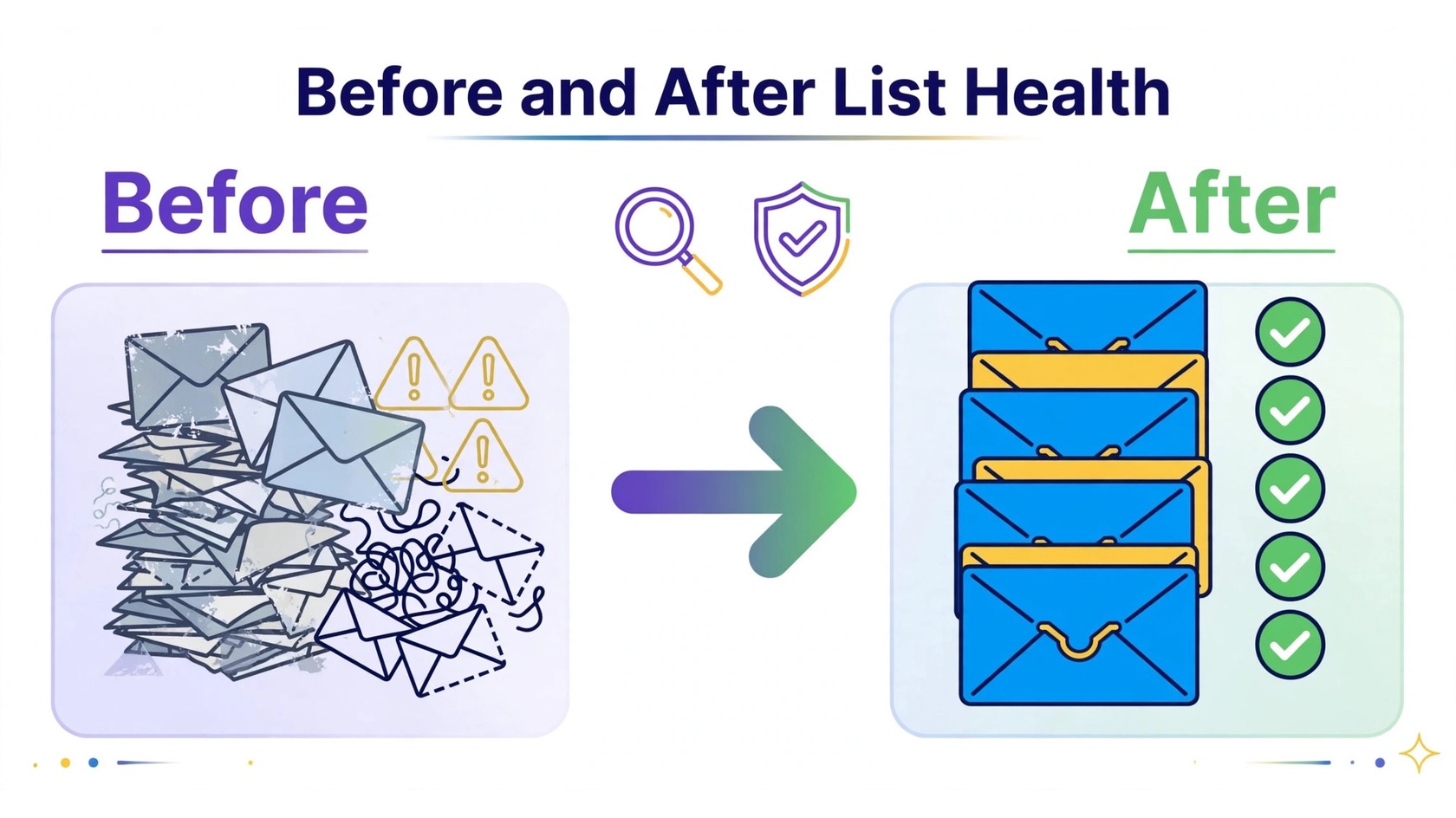
When the full run is done, remove the invalid addresses and set the risky ones aside instead of mailing them in your first campaign. Then send to your valid addresses, and watch the first campaign closely. If bounces stay low, your list is in good shape. If bounces spike, pause and check whether the risky addresses slipped back in. Cleaning is not a one-time task. Email addresses go stale as people change jobs and abandon old inboxes, so schedule a clean before each major campaign. Our guide on how often to clean your email list explains the rhythm, and our article on the email list decay rate explains why lists go stale faster than most owners expect.
Verification also supports the wider rules that mailbox providers expect. Google’s email sender guidelines describe the practices that keep legitimate mail out of spam folders, and keeping your list clean is one of the most basic of them. The underlying mail standard is defined in RFC 5321, the specification for how mail servers exchange messages. To see how PureListVerifier handles the checks described in this guide, visit the features page, and check current plans on the pricing page. If you want the short version of the process, the how it works page walks through it, and the FAQ page answers common questions.
Frequently Asked Questions
Do small businesses need email verification?
Yes, if they send email to a list they did not build yesterday. Even a small list picks up typos, old addresses, and dead inboxes over time. Verification removes the addresses that will bounce, which protects your sender reputation and keeps your campaigns reaching real people. A check before each major send is cheap protection.
How much should a small business pay for email verification?
It depends on list size and how often you verify. A small business with a few thousand contacts that verifies before major campaigns usually needs only a modest credit balance, and pay-as-you-go pricing often fits better than a monthly subscription. Compare tools on cost per verified address, check whether credits expire, and avoid paying for features you will not use. Check current plans on the pricing page rather than guessing from a features list.
What is the best email verification tool for a small business?
There is no single best tool for every small business, because the right fit depends on your list size, your sending frequency, and your workflow. A good fit for a small team is a tool with clear result labels, simple bulk upload and export, pay-as-you-go credits that do not expire quickly, and a trial that lets you test it on your own list. Judge tools against the five questions in the checklist above, and pick the one whose answers match how your team works.
Can I verify emails for free?
Some tools offer a small free trial or a limited number of free credits, which is enough to test result quality on a sample of your list. Fully free verification is rarely reliable for a whole list, because real verification requires asking mail servers for answers, which costs time and infrastructure. Use a free trial to compare tools, then pay for the credits you need.
How often should a small business clean its list?
Clean before every major campaign, and at least once every few months. Lists go stale because people change jobs, switch providers, and abandon old addresses. A clean before a big send catches the addresses that went dead since your last campaign. For a detailed schedule, see our guide on how often to clean your email list.
