

Why Finding an Email Address Takes More Than a Search
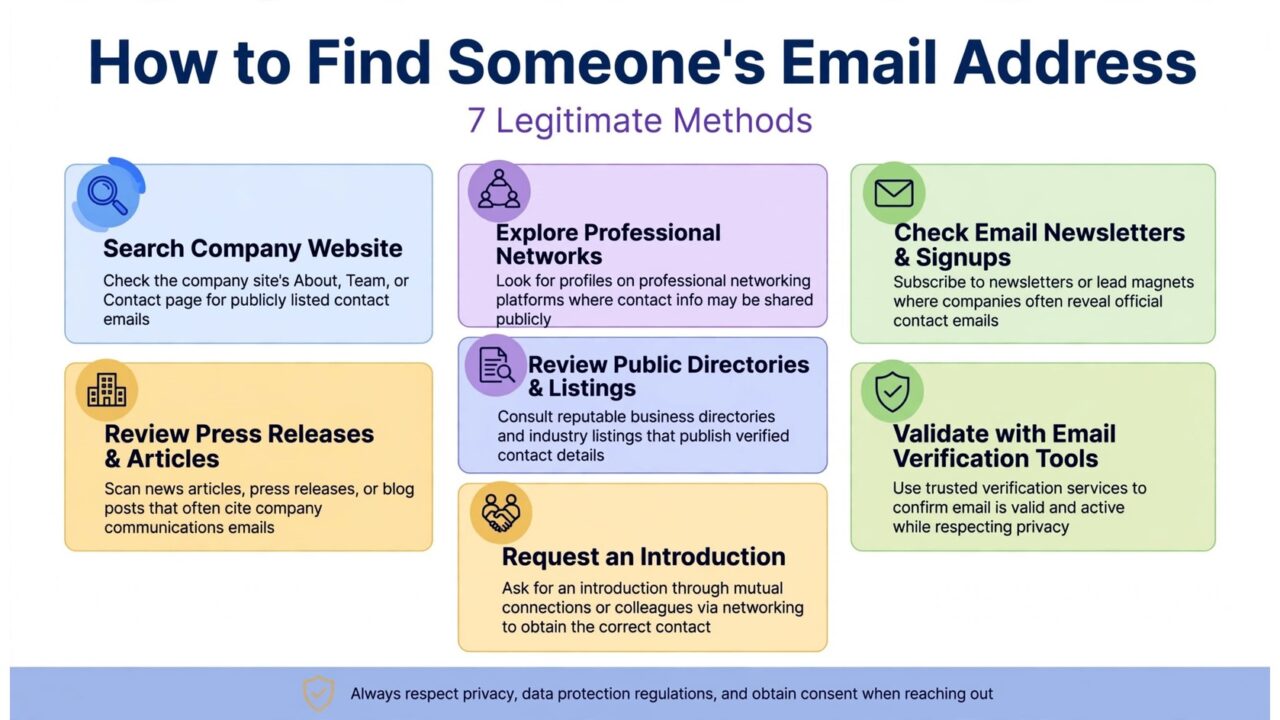
You know the person. You know the company. You just do not have their email address. That small gap can stall an entire outreach campaign, a partnership request, or a sales follow-up. The temptation is to grab the first address that looks right and send the message. That shortcut is exactly what causes most of the bounces, complaints, and damaged sender reputations that follow.
This guide walks through seven legitimate ways to find someone’s email address. Every method respects the platform rules and the law, and every method ends at the same rule: verify the address before you send anything to it. Finding an address and confirming it can receive mail are two different jobs, and you need both.
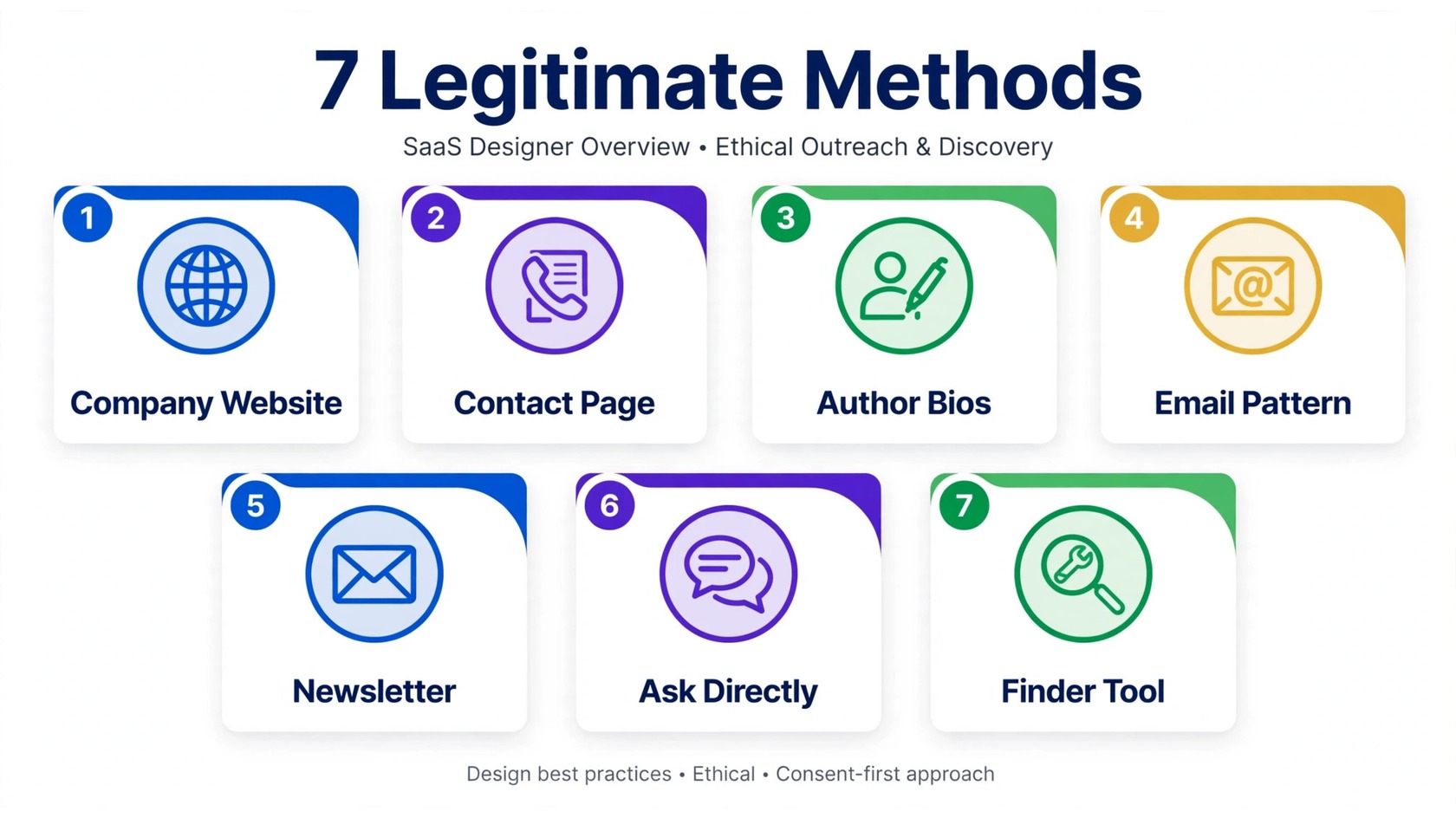
Method 1: Start on the Company Website
The company website is the most reliable free source, and it is the place most people skip. Start with the contact page, the about page, and the team page. Many companies list direct email addresses for founders, department heads, and press contacts. A team page often shows a name, a title, and a way to reach the person, even when the address itself is behind a contact form.
Look beyond the obvious pages too. Footer links sometimes point to a press page or a partner page with a media contact. Job postings often include a recruiting address, and that address can confirm the company email pattern. If the site has a blog, check the author bio on posts written by the person you want to reach. Authors often link to a personal site or a public contact page that lists an address.
Method 2: Check the Contact Page, Team Page, and Press Page
Contact pages come in two forms. Some show an address directly. Others show only a form. A form still helps, because a real message through the company form reaches a real person, and a polite reply often includes a direct address. Keep the first message short. Say who you are, why you are reaching out, and what you want. People reply to clear, honest requests.
Team pages and press pages deserve a second look. A team page may list a general address for a department, such as partnerships or sales. A press page usually lists a media contact who can forward your request. If you cannot find the exact person, a department address or a referral from a colleague is a legitimate path, and it avoids guessing entirely.
Method 3: Check Author Bios, Speaker Pages, and Press Mentions
People who publish, speak, or appear in the press often leave a public trail of contact details. An author bio on a company blog, a guest post, or an industry publication may list an email address or a personal website. A speaker page for a conference often includes a bio, a company, and sometimes a direct contact link. A podcast appearance or a webinar page can include the same details.
Press mentions work the same way. A news article about a company launch often quotes a founder and names a press contact. A funding announcement usually names a spokesperson. Search for the person’s name together with the company name and words such as contact, email, or press. You are looking for information the person or the company chose to publish, not for private data.
Method 4: Work Out the Email Pattern, Then Verify It
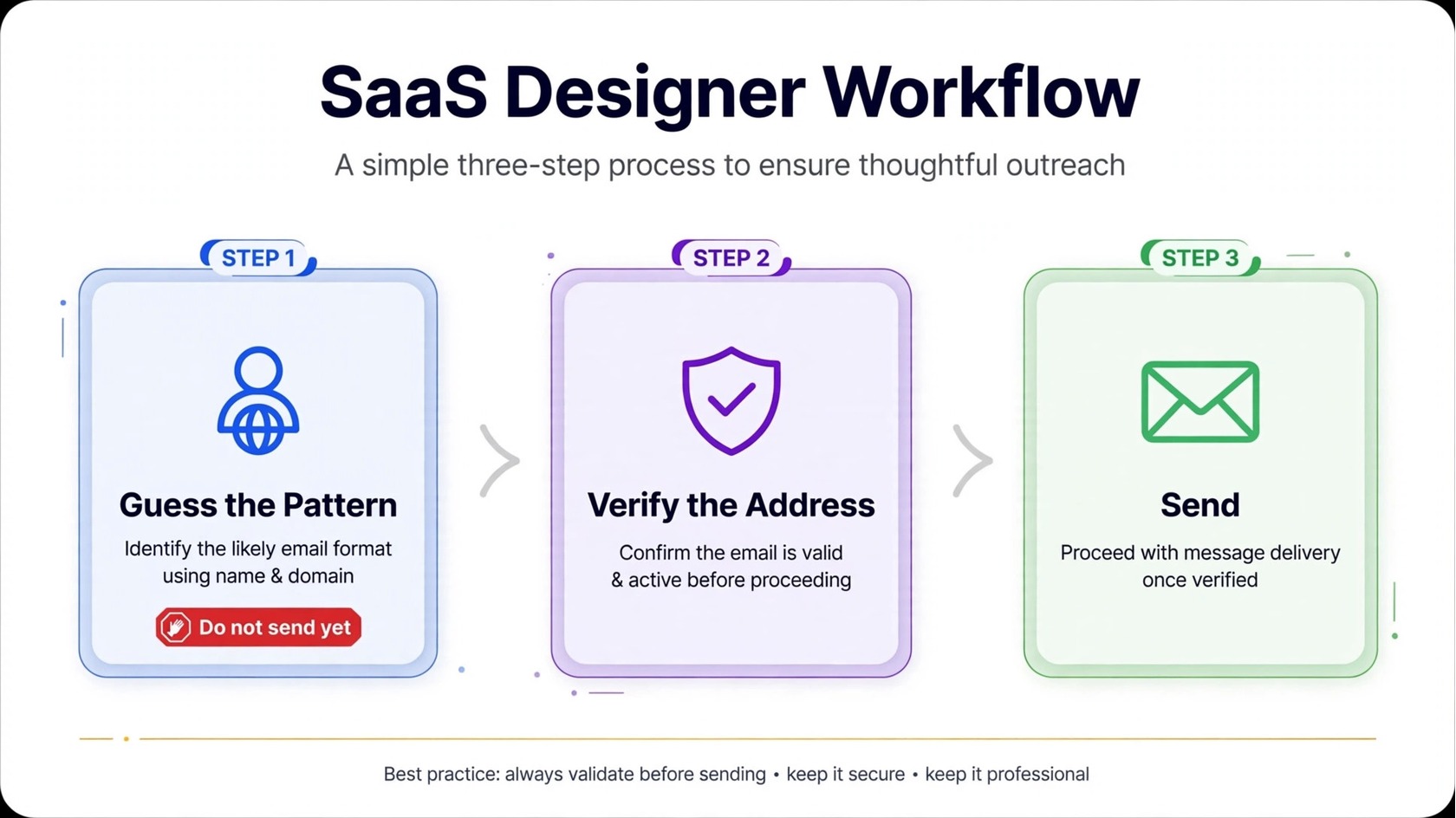
Most companies use one consistent email pattern. Common patterns include firstname.lastname at the company domain, first initial plus last name, firstname only, and firstname plus last initial. If you already know one real address at the company, you can often work out the pattern for everyone else. A recruiting address, a support address, or a press address on the website is enough to reveal the pattern.
This method only works if you verify the result. A guessed address is a prediction, not a confirmed contact. The person may use a different pattern, may have left the company, or may sit on a domain that routes mail through a parent company. Run every guessed address through a verification tool before you send anything. To understand the difference between finding and confirming, see our guide on email finder vs email verifier.
Method 5: Use a Newsletter Signup or a Contact Form to Make Contact
Sometimes the best way to find an address is to start a conversation instead. Subscribe to the company newsletter with your own work address. Newsletters are usually sent from a real sending address, and replies to that address often reach the marketing team. A short, relevant reply can turn into an introduction to the right person.
A contact form works the same way. Send a clear message that explains who you are and what you want. Ask for the right contact rather than pitching in the first message. If the form asks for your email, use a real address you check often, because the reply may come from a direct address you can use for follow-up. Keep the tone professional and the request specific. Vague messages get ignored.
Method 6: Ask for the Address Directly
The simplest legitimate method is also the most overlooked: ask. If you share a connection, a group, or a previous conversation, send a short message asking for the best address to reach the person. People who expect business contact often reply with a direct address, because it saves them from a form or a gatekeeper.
Asking directly works best when you give a reason. Mention the specific topic, the proposal, or the question. A message that says you want to discuss a partnership, a podcast invitation, or a customer question gets a better response than a message that only asks for an address. If the person declines or does not reply, respect that. Do not try to work around a refusal with scraping or guessing at scale.
Method 7: Use a Finder Tool That Works From Data You Provide
Finder tools can save time when the manual methods come up short. A finder takes a name and a company domain and returns a likely business email address, usually by matching the company email pattern or by checking public sources. The stronger tools combine pattern matching with public evidence, such as a speaker page or a team page that confirms the address.
Use finder tools carefully. Avoid any tool that promises bulk scraping, automated profile visits, or mass extraction, because those methods violate platform rules and can get accounts restricted. LinkedIn’s user agreement, for example, restricts automated data collection, and similar rules apply on other platforms. Choose tools that work from data you lawfully provide, such as a name and a company. Then verify every result before you send, because a finder predicts an address, it does not confirm that the address accepts mail.
The Rule That Applies to Every Method: Verify Before You Send
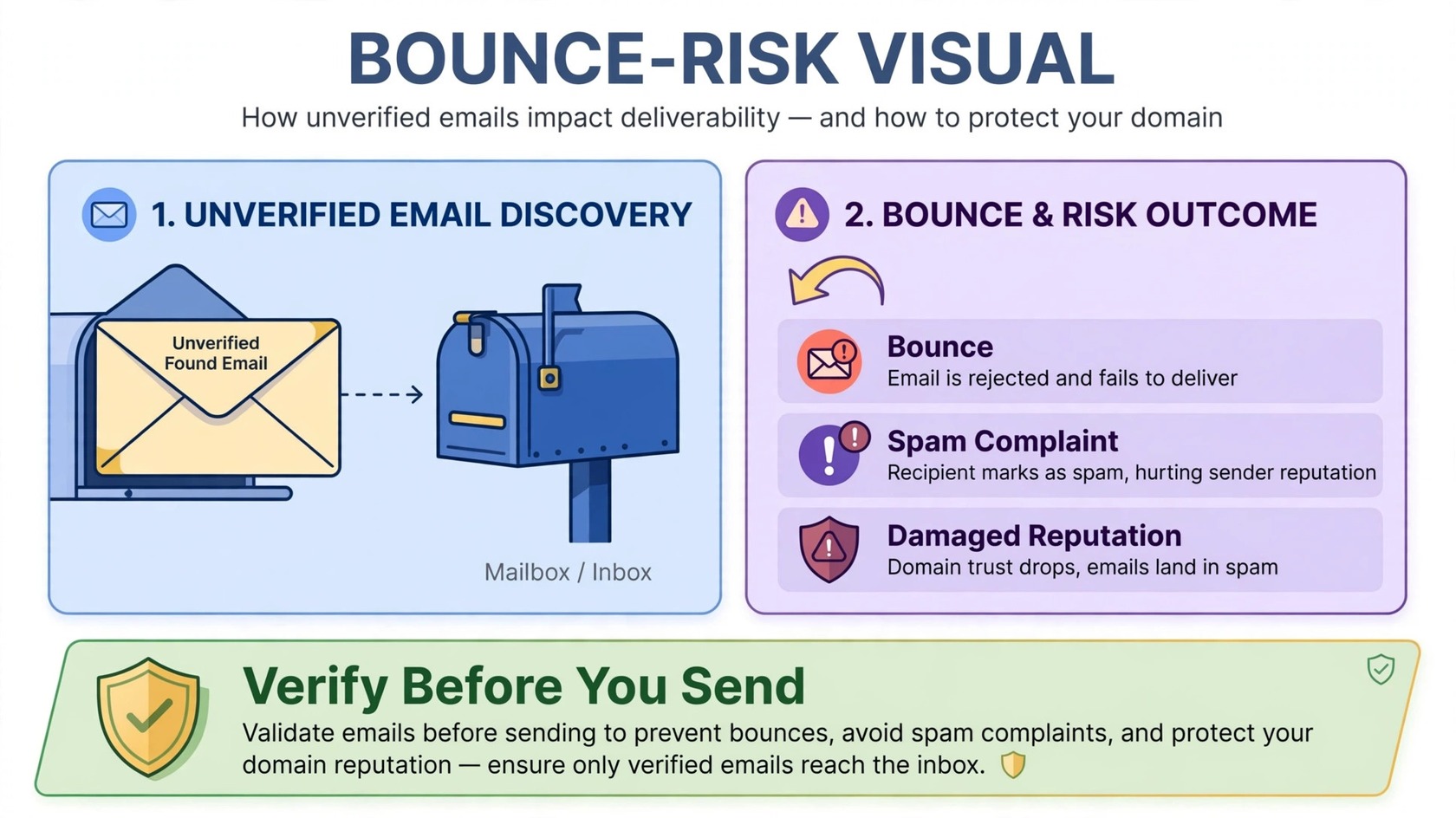
Every method above can return an address that looks right and still bounces. The person may have left the company. The pattern may be wrong. The domain may use a catch-all setup that accepts everything, so a basic check cannot tell whether the specific address exists. That is why verification is not optional. A verifier checks the syntax, the domain, the mail server response, and risky categories such as catch-all, disposable, and role-based addresses.
Verification also protects your sender reputation. Mailbox providers track how often your mail bounces, how often people mark it as spam, and how often people engage. High bounce rates signal that you are mailing stale or guessed addresses, and that can push your mail into spam folders or get your domain blocked. For a plain explanation of the checks, read what email verification is. PureListVerifier checks syntax, domain, mail server, and mailbox status, and flags risky categories. You can review the checks on the features page, and check pricing on the pricing page.
Common Mistakes to Avoid
The most damaging mistake is mailing a found list without verification. A single campaign to unverified addresses can produce enough bounces to hurt a domain for weeks. The second mistake is trusting lists built from scraped data. Scraped lists go stale fast, and they often include addresses that were never meant for outreach. We explain the pattern in our article on why Apollo.io emails bounce.
The third mistake is mailing role-based addresses such as info, support, or sales as if they were personal contacts. These addresses may accept mail, but they rarely reach your intended prospect, and they often trigger spam complaints. The fourth mistake is sending to the whole list at once. Start with a small segment, watch the results, and expand only when bounces stay low. If you want a broader routine for list care, see our guide on lead list cleaning for cold outreach.
Finally, keep your process lawful. In many regions, business-to-business outreach is permitted, but you must include a clear way to opt out, identify yourself honestly, and stop contacting anyone who asks you to stop. In the European Union, the GDPR sets strict rules for personal data. When in doubt, get legal advice for your region. You can also review how verification fits into the process on the how it works page and the frequently asked questions page.
Frequently Asked Questions
How can I find someone’s email address for free?
Start with the company website, the contact page, the team page, and author bios. Check speaker pages, press mentions, and newsletter replies. If you know one real address at the company, you can work out the email pattern and then verify the address you build from it. All of these methods are free. Verification is the one step worth paying for, because it stops bounces before they damage your domain.
Is it legal to find someone’s email address?
Finding a publicly listed business email address and sending a relevant business message is permitted in many regions, but rules differ by country. You must identify yourself honestly, include a clear opt-out, and honor every unsubscribe. Do not use scraping, bots, or automation that violates a platform’s terms. When in doubt, get legal advice for your region.
Why do emails I find online bounce?
Common causes include job changes, wrong email patterns, typos in the company domain, role-based addresses, and catch-all domains. Pages also go stale. An address that was correct two years ago may belong to a closed mailbox today. Verification catches most of these problems by checking the domain, the mail server, and the mailbox status before you send.
Should I verify an email before cold outreach?
Yes. Verification is the step that protects your sender reputation. It removes invalid addresses, flags risky ones, and keeps your bounce rate low. Mailing an unverified list of found addresses is the fastest way to damage a sending domain, even when every address was found through legitimate methods.
What is the most reliable way to find a work email?
The most reliable path is a published address, followed by verification. A contact page, a team page, a press page, or a direct reply gives you an address the person or the company chose to share. A pattern-based guess or a finder result comes second, and it must be verified before you send. Find first, verify second, and only then send.
